How to create a folder on Intercom
Here is how to create a folder on intercom
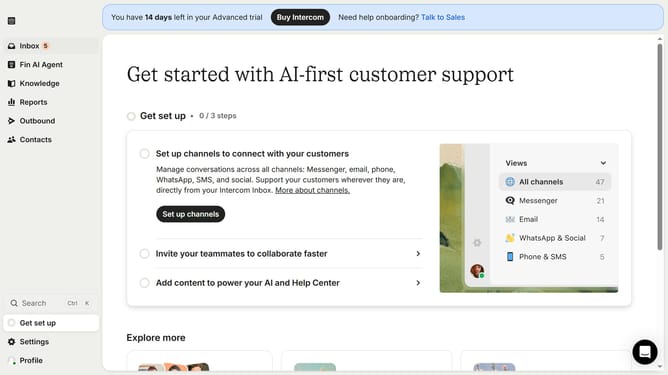
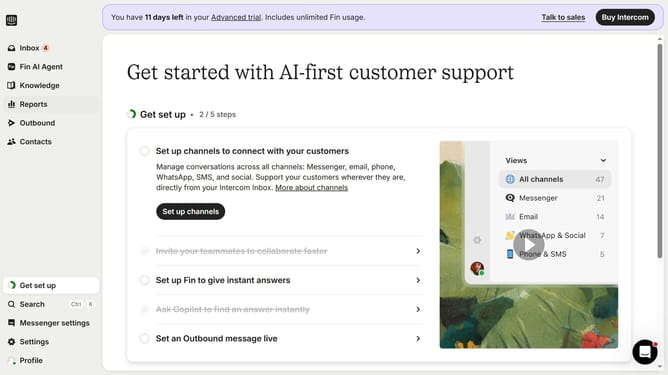
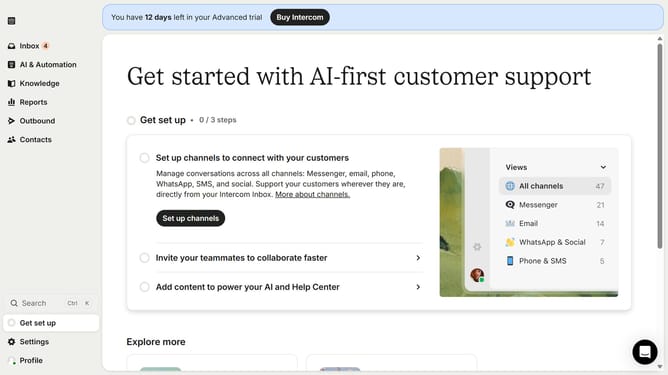
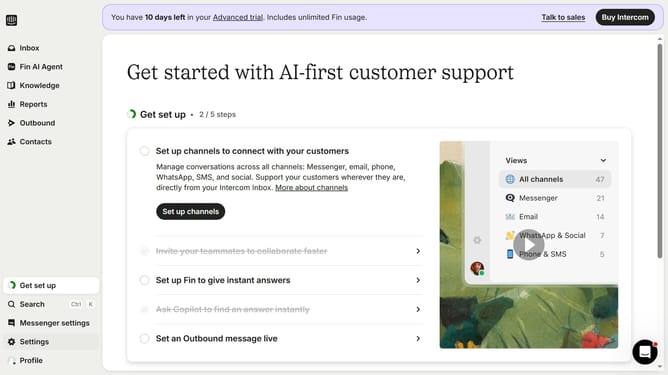
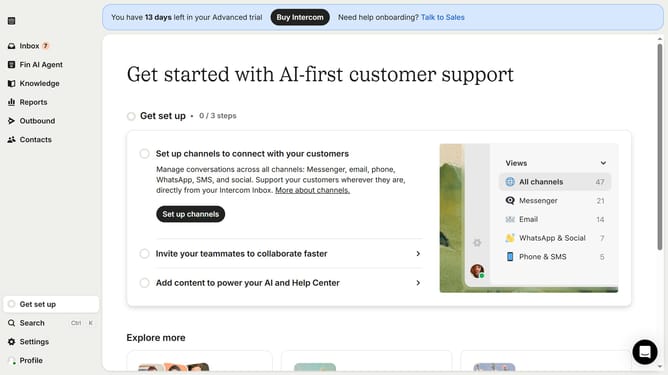
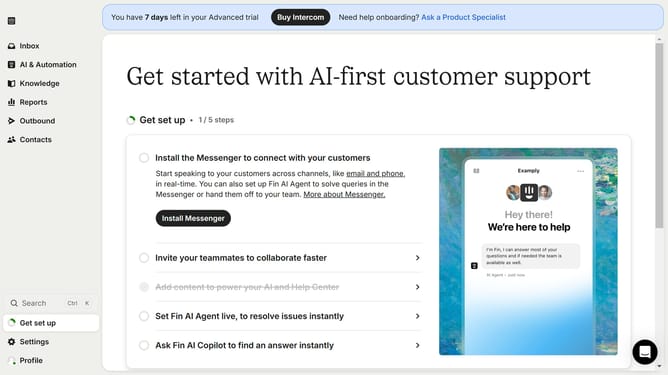
- First click on the "Knowledge" item in the left sidebar menu
- Then click on the "New folder" button in the top content toolbar
- Next type in the name of your folder in the text field in the window panel
- Finally click on the "Create folder" button in the dialog window to confirm folder creation
Why should you create a folder on Intercom
Intercom is a dynamic platform designed to enhance customer communication and support.
Creating a folder on Intercom is a simple yet powerful feature that allows users to organize conversations, tasks, or support tickets efficiently.
This organizational tool not only streamlines workflows but also ensures that team members can easily access necessary information, improving productivity and service quality.
By categorizing your communication assets, you can keep your workspace clutter-free and focus more effectively on customer relationships.
Last update