How to restore a "Submitted" ticket state in Intercom
Here is how to restore a "submitted" ticket state in intercom
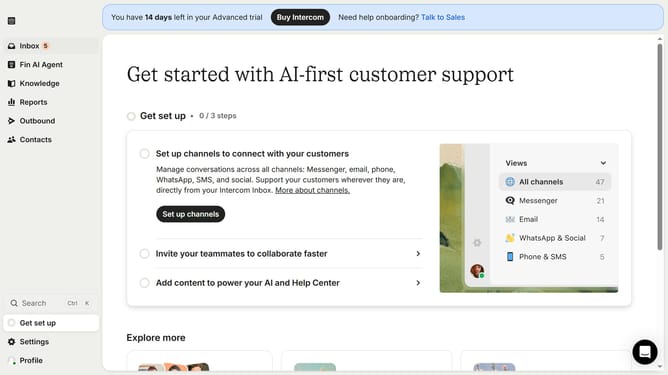
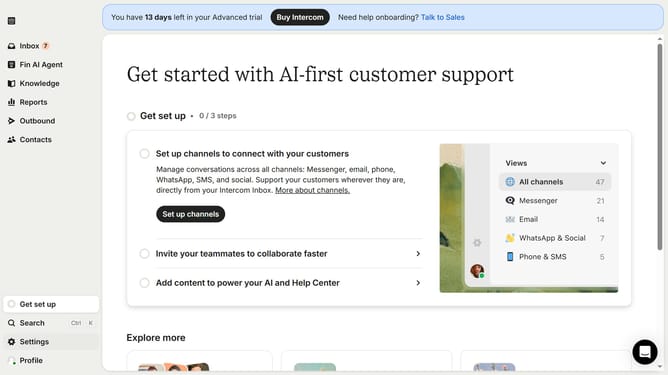
- First click on the "Settings" option in the left sidebar
- Then click on the "Inbox" option in the settings menu
- Next click on the "Tickets" item in the expanded Inbox submenu
- Then click on the "Ticket states" tab in the Tickets settings page
- Click on the "Live" dropdown menu to see ticket state options
- Select "Archived" from the dropdown menu
- Finally click on the "Restore" button next to the "Submitted" ticket state
Why should you restore a "Submitted" ticket state in Intercom
Intercom is a powerful tool for enhancing customer communication and engagement.
Restoring a "Submitted" ticket state in Intercom is essential for maintaining smooth customer support operations.
This feature ensures that tickets accurately reflect their current status, allowing support teams to revisit or reprioritize issues as necessary.
By giving your team the ability to restore a "Submitted" state, you enhance tracking accuracy and preserve the integrity of your interaction history, leading to more efficient and reliable customer service management.
Last update