How to delete trusted domains in Intercom
Here is how to delete trusted domains in intercom
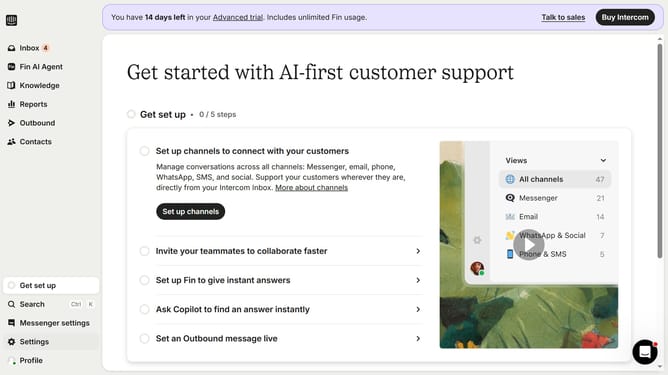
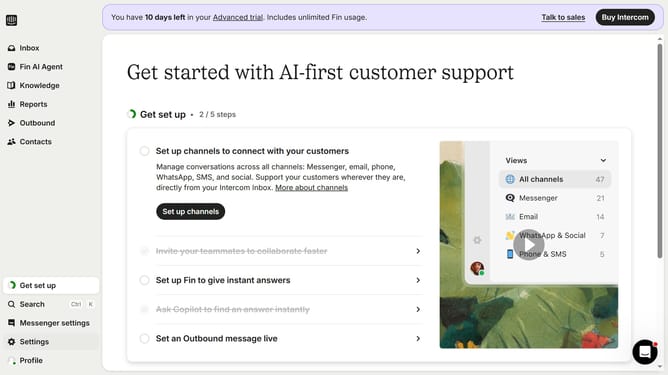
- First click on "Settings" in the left sidebar
- Then click on "Workspace" section in the settings menu
- Next click on "Security" option under the Workspace menu
- Then click on "Links" section in the Security settings
- Next click on the "Delete" button next to a trusted Domain entry
- Finally click on "Delete policy" button in the confirmation dialog
Why should you delete trusted domains in Intercom
Intercom is a dynamic platform designed to enhance communication between businesses and their customers.
Managing trusted domains in Intercom is crucial for maintaining security and streamlining interactions.
Deleting outdated or unnecessary trusted domains ensures only the most relevant connections are active, easing management stress. It enhances security by minimizing unauthorized access.
Regularly updating trusted domains fortifies data integrity, fostering a secure and efficient user experience within the Intercom environment.
Last update