How to mark auto responders as spam in Intercom
Here is how to mark auto responders as spam in intercom
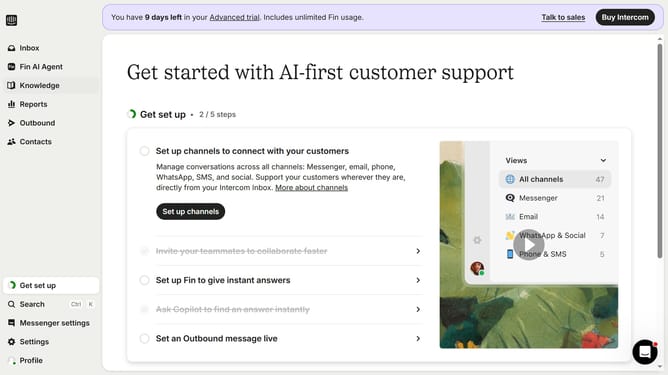
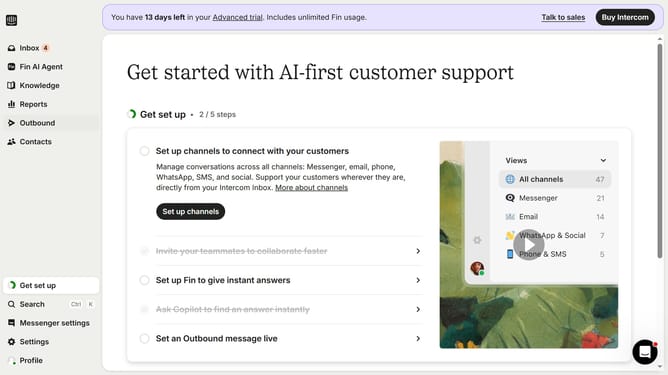
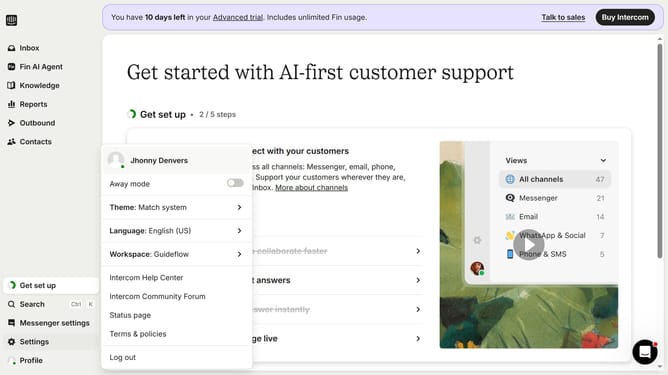
- First click on the "Settings" button in the left sidebar
- Then click on "Channels" in the left sidebar
- Next click on "Email" in the left sidebar
- Then click on the "Email settings" tab
- Finally, click on the toggle switch ON to 'Mark autoresponder email'
Why should you mark auto responders as spam in Intercom
Intercom is a comprehensive customer communication platform designed to streamline interactions and enhance user engagement.
In Intercom, the ability to mark auto responders as spam empowers you to maintain a clear and organized workspace. By tagging unwanted automated messages, you ensure your focus stays on real customer interactions.
This feature is especially beneficial for keeping your communication channels clutter-free and improving response times. It helps prioritize meaningful conversations, ultimately contributing to a better customer experience and more efficient workflow.
Last update