How to edit holidays and closure title on Intercom
Here is how to edit holidays and closure title on intercom
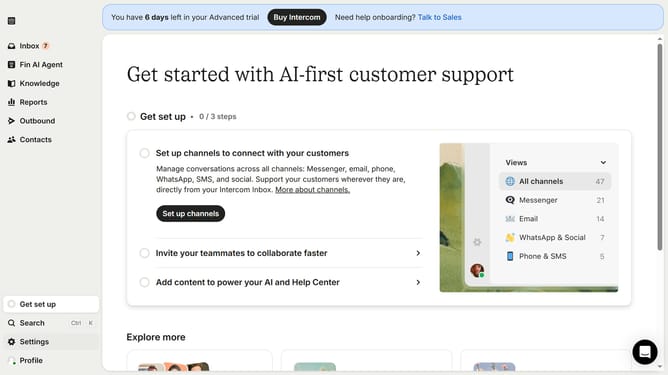
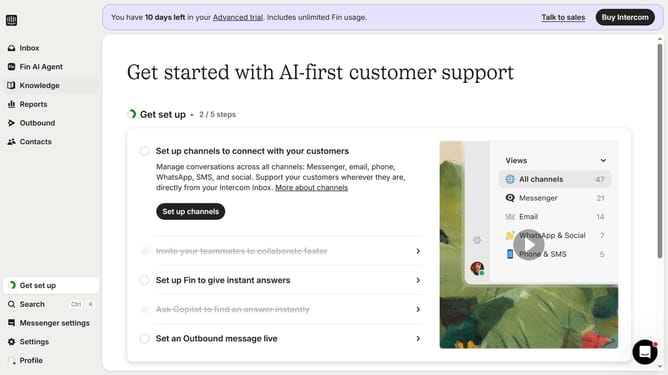
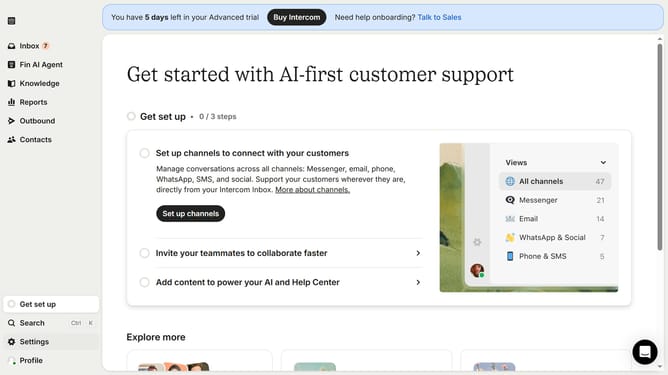
- First click on the "Settings" option in the left sidebar
- Then click on the "Office hours" option in the "Workspace" section
- Then click on the pencil icon to edit the office hours
- Then click on the "Holiday 1" text field
- Finally click on the "Update exception" button
Why should you edit holidays and closure title on Intercom
Intercom serves as a versatile communication platform designed to enhance customer interaction and engagement.
Editing holidays and closure titles on Intercom effortlessly ensures that your customers are always informed of your business availability. Customizing these details allows for clear communication, preventing customer frustration.
By using this feature, you demonstrate a commitment to transparency and professionalism, fostering trust and improving customer satisfaction. Efficiently managing expectations with accurate information ensures smooth interactions.
Last update