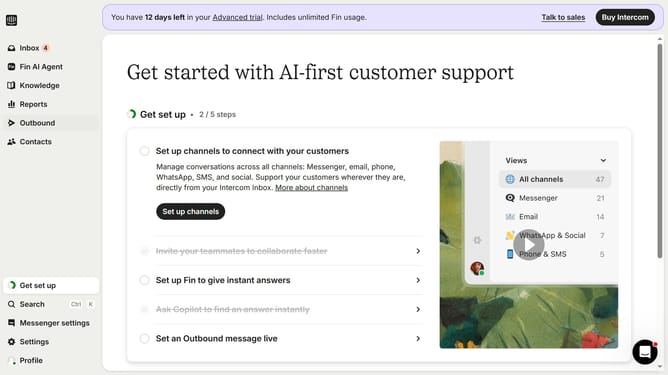
How to create internal articles on Intercom
Here is how to create internal articles on intercom
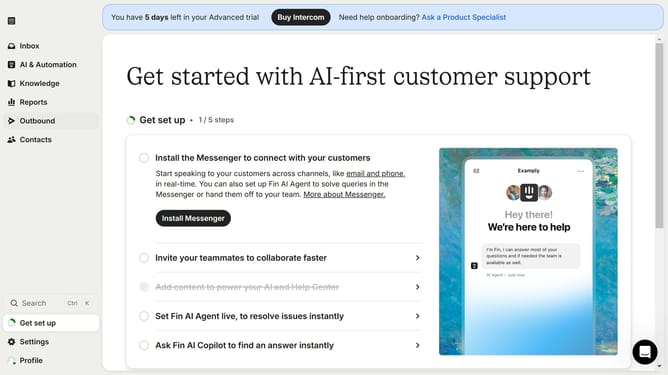
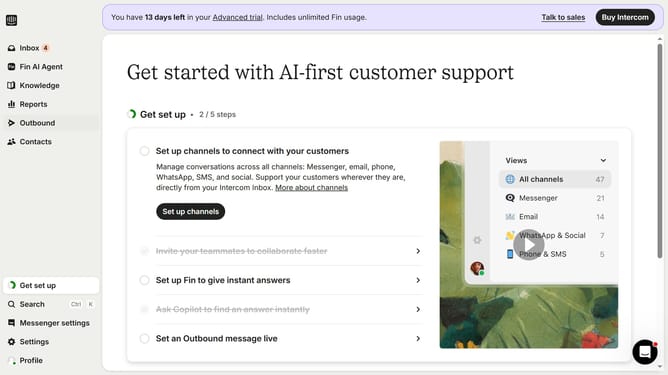
- First click on "Knowledge" item in the left sidebar
- Then click on "Article" item in the left sidebar
- Next click on "+ New content" button
- After that select "Internal article" option
- Then click on the text field to enter the title of the article
- Then click on the text field to start writing the article content
- Finally click on the "Save" button
Why should you create internal articles on Intercom
Intercom is a powerful platform designed to streamline customer communication and engagement.
Creating internal articles on Intercom enhances team collaboration by providing easy access to shared knowledge.
These articles serve as a valuable resource for onboarding, ensuring consistency in customer interactions. Updating team members about process changes becomes seamless, facilitating smooth internal communication.
Leveraging Intercom's features to create these articles can lead to increased efficiency and better informed team members, ultimately improving the overall customer experience.
Last update