How to delete a team inbox on Intercom
Here is how to delete a team inbox on intercom
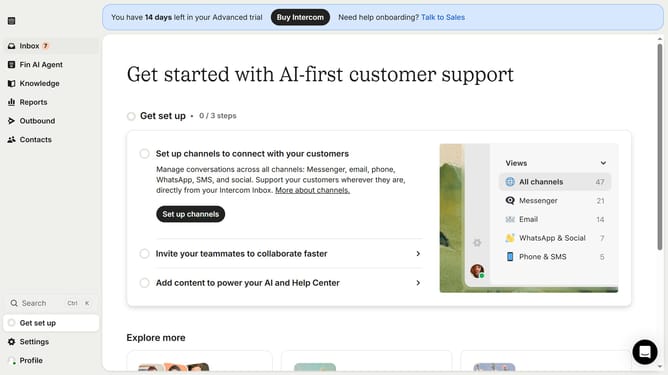
- First click on "Settings" item in the left sidebar
- Then click on "Inbox" item in the left sidebar
- Next click on "Team inboxes" item in the left sidebar
- Then click on the team inbox that you want to delete
- Then click on the "Delete team inbox" button
- Then select "Select teammate" dropdown
- Next select from the dropdown list to transfer assignments
- Then click on the "Delete team inbox" button
Why should you delete a team inbox on Intercom
Intercom is an innovative communication platform designed to streamline customer interaction.
Removing a team inbox on Intercom offers a way to keep your workspace tidy, enhancing team productivity and focus. By eliminating unnecessary or outdated team inboxes, you can maintain a clear and organized communication environment.
This feature ensures that conversations remain relevant and accessible only to those who need them. Streamlining team inboxes also aids in the efficient distribution of communication tasks, reducing confusion and overlap among team members.
Ultimately, the ability to delete a team inbox can empower teams to operate with precision and clarity, ensuring that only vital and active communication channels are retained.
Last update