How to insert table in an internal article on Intercom
Here is how to insert table in an internal article on intercom
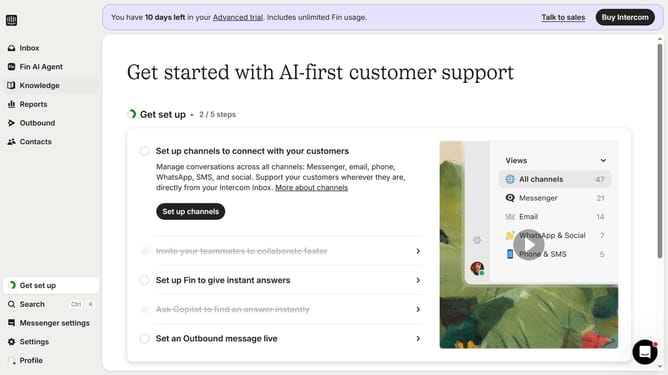
- First click on "Knowledge" in the left sidebar
- Then click on the article title in the content area
- Then click on the "Edit" button
- Then click on the "Insert table" button
- Finally click on the "Save" button
Why should you insert table in an internal article on Intercom
Intercom is a powerful communication platform designed to enhance customer interaction and support.
Inserting a table into an internal article on Intercom is a remarkable feature that augments data organization and clarity.
By using tables, teams can present information in a structured manner, making it easier to digest and analyze.
This feature not only boosts information retention but also ensures a seamless workflow, fostering better communication and collaboration among team members.
Last update