How to access the article performance stats on Intercom
Here is how to access the article performance stats on intercom
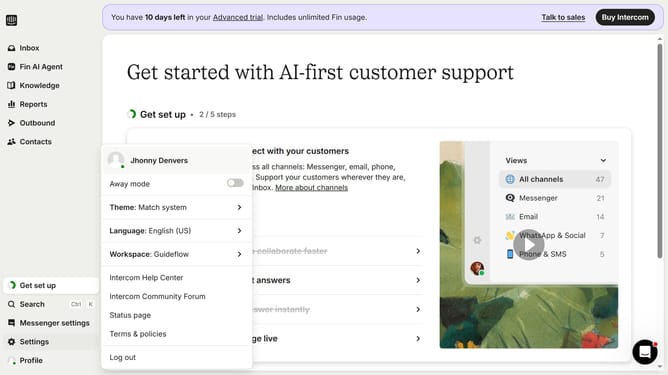
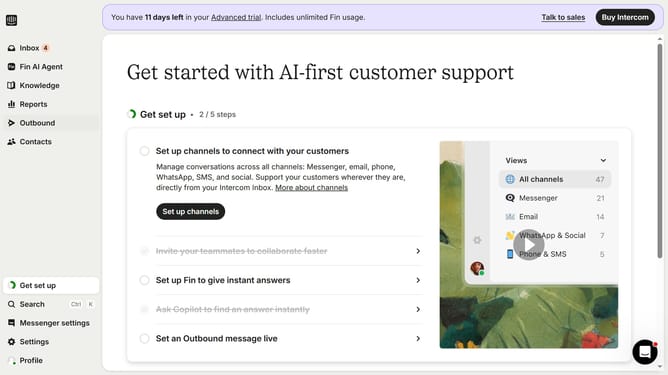
- First click on the "Knowledge" item in the left sidebar menu
- Then click on the "guideflow" article title in the content list
- Next click on the "Details" button in the top-right corner of the article view
- Then click on the "Reports" dropdown menu in the right sidebar Details panel
- Finally click on the "Show reports" link in the Reports dropdown menu
Why should you access the article performance stats on Intercom
Intercom is a powerful communication platform designed to enhance customer relationships and support.
Accessing article performance stats on Intercom allows you to delve deeper into how your content is engaging with your audience.
By understanding which articles perform best, you can tailor your content strategy to better meet your audience's needs.
In turn, this insight can drive increased customer satisfaction and optimize the impact of your communications.
Last update