How to delete a post message on Intercom
Here is how to delete a post message on intercom
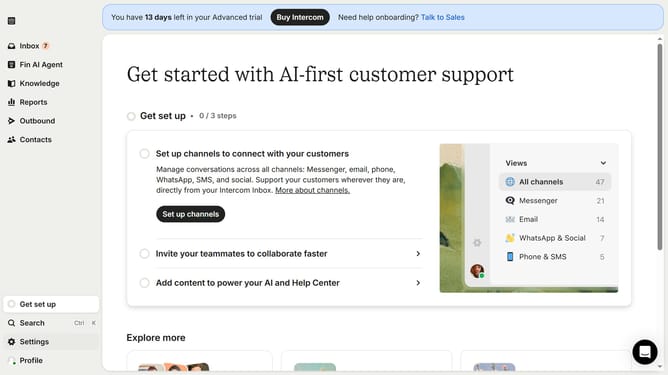
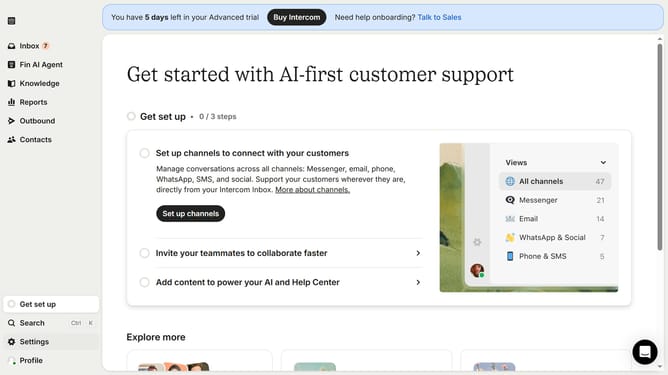
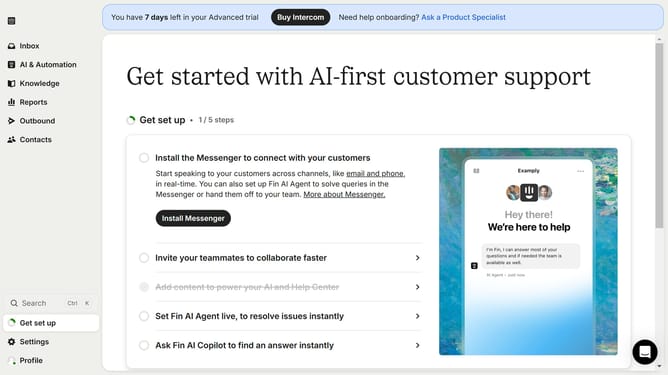
- First click on "Outbound" in the sidebar menu
- Then click on the checkbox next to Post Message that you want to delete
- Next click on the "Delete" button
- Finally click on the "Delete" confirmation button
Why should you delete a post message on Intercom
Intercom is a dynamic platform designed to enhance customer communication and streamline support.
The ability to delete a post message on Intercom is a beneficial feature that offers flexibility and control over your communication strategy.
This feature allows users to manage content efficiently, ensuring that only relevant information is available to your audience.
By keeping your message threads clean and up-to-date, you foster a more professional and organized interaction space, enhancing the overall customer experience.
Last update