How to segment your contacts on Intercom
Here is how to segment your contacts on intercom
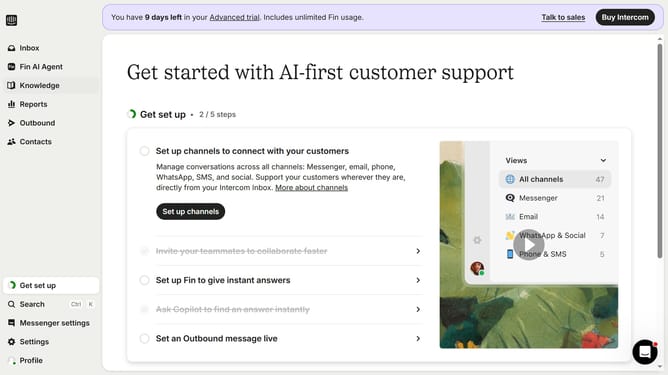
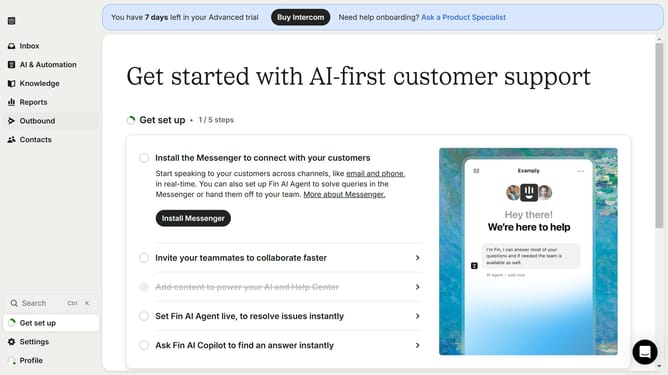
- First click on the "Contacts" link in the left sidebar menu
- Then click on the "Add filter" button in the main content area
- Next select the filter in the dropdown list showing different filtering options
- Next select the rule to apply on your search filter and fill-in the empty fields
- Next click on the "Done" link to apply the set up on your search filter
- Next click on the "Save segment" button in the toolbar
- Then click on the "Save segment" button in the toolbar
- Finally click on the "Save segment" button in the confirmation dialog to save your changes
Why should you segment your contacts on Intercom
Intercom is a dynamic platform designed to enhance customer communication and relationship management.
Segmenting your contacts on Intercom empowers you to tailor your messaging based on specific customer needs and behaviors.
By organizing contacts into meaningful categories, you can deliver targeted communications that resonate with different audience segments.
This approach not only improves engagement but also fosters a more personalized customer experience, leading to stronger brand loyalty and retention.
Last update