How to delete a folder on Intercom
Here is how to delete a folder on intercom
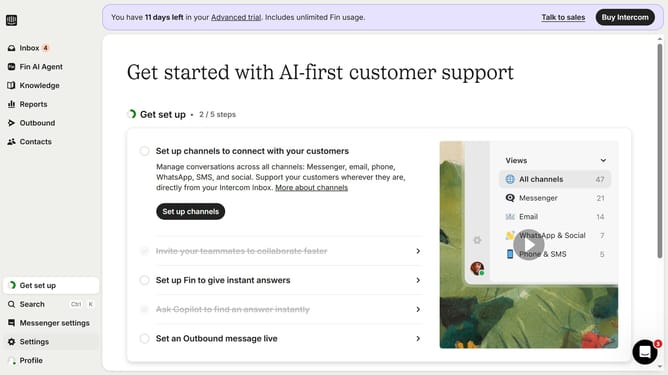
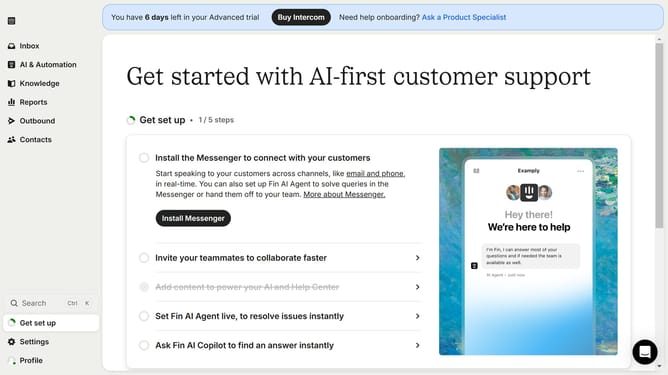
- First click on the "Knowledge" option in the left sidebar menu
- Then click on the "Actions" icon in the selected folder on the left
- Next click the "Delete folder" option from the folder's context menu
- Finally click the "Delete" button in the confirmation dialog
Why should you delete a folder on Intercom
Intercom is a versatile platform designed to enhance customer communication and engagement seamlessly.
Deleting a folder on Intercom is a straightforward feature that supports efficient organization within your workspace. It allows users to maintain a tidy digital environment, ensuring crucial information is easily accessible.
By removing unnecessary folders, teams can optimize their workflow, reduce clutter, and focus on what truly matters, thereby enhancing productivity and collaboration.
Last update