How to change the ticket state to "Submitted" in Intercom
Here is how to change the ticket state to "submitted" in intercom
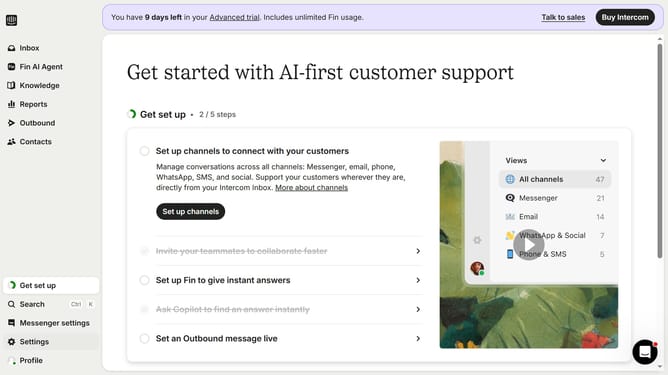
- First click on the "Inbox" item in the left sidebar
- Next click on the email ticket in the conversation list
- Then click on the "Update ticket state" button in the top toolbar
- Finally select "Submitted" status from the dropdown menu
Why should you change the ticket state to "Submitted" in Intercom
Intercom is a powerful tool designed to enhance customer communication and engagement efficiently.
Changing a ticket's state to "Submitted" in Intercom is a straightforward feature that brings clarity and organization to your workflow. It empowers teams to precisely track the progress and status of customer inquiries.
Using this feature ensures that everyone is aligned and aware of ongoing processes, minimizing the risk of errors or miscommunications. It's a key function that supports seamless collaboration, ultimately enhancing the customer support experience.
Last update