Intercom
Intercom is a customer messaging platform that enables businesses to provide live chat, automation, and support.
Website
Industry
Support
Share this article:

How to enable email notification for daily list of new signups in Intercom

Here is how to enable email notification for daily list of new signups in intercom

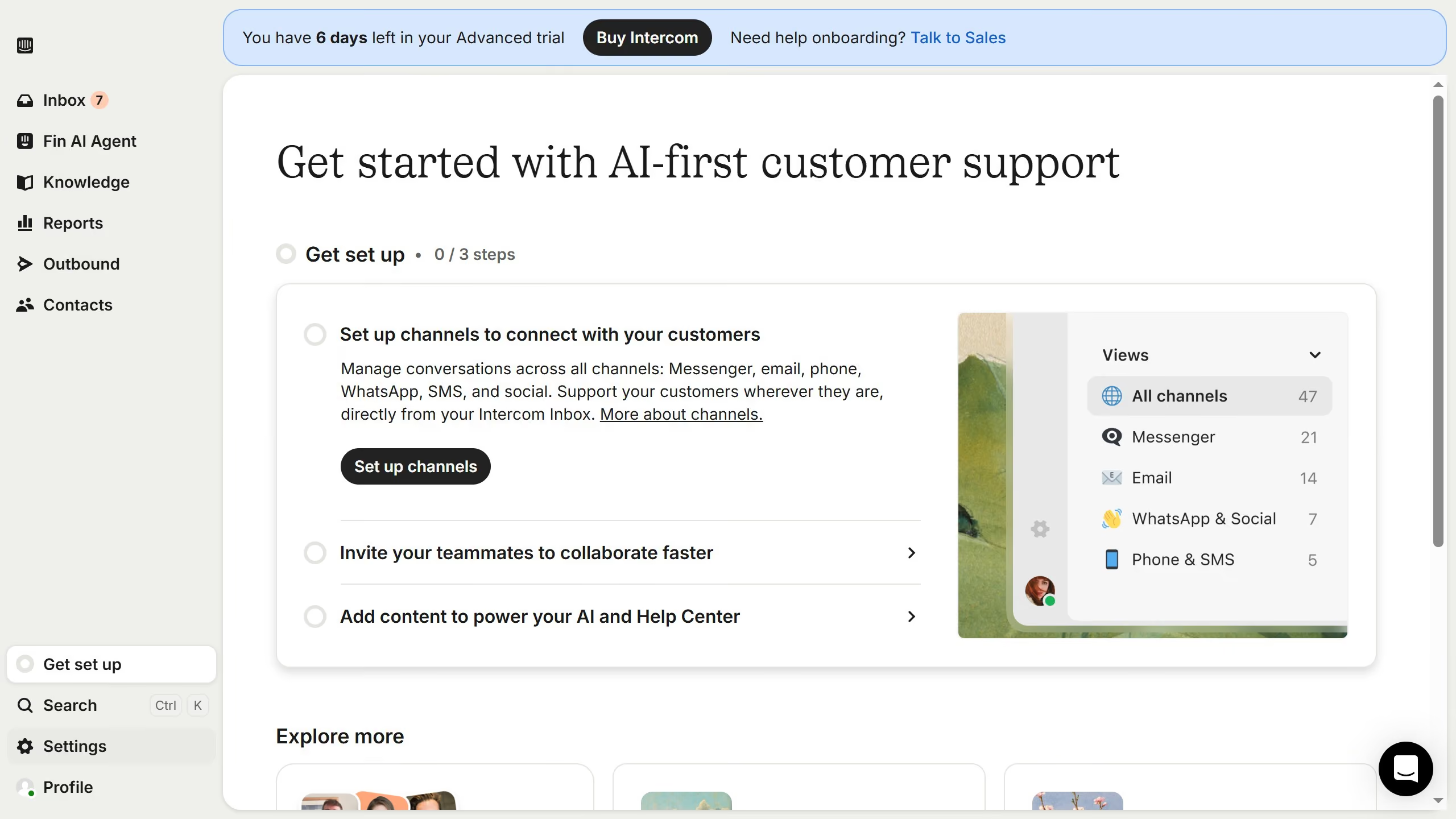
  1. First click on the "Settings" item in the left sidebar
  2. Then click on the "Personal" item in the left sidebar
  3. Next, click on the "Notifications" item in the left sidebar
  4. Then click on the checkbox next to "Get a daily list of new signups"
  5. Finally, click on the "Save" button in the top right corner

Create your own interactive guide with Guideflow

Why should you enable email notification for daily list of new signups in Intercom

Intercom is a powerful platform designed to enhance customer communication and streamline support processes.

By enabling email notifications for a daily list of new signups in Intercom, you ensure that you’re always in the loop with the latest customer engagement. This feature allows your team to stay proactive, aligning efforts to reach out and establish early connections with new users.

Using this feature strengthens customer relationship management by providing immediate insights into growth trends and user demographics, thus aiding in tailoring strategies that best fit your audience's needs.

Last update
June 12, 2026
Cursor MariaA cursor points to a button labeled "James."

Create your first demo in less than 30 seconds.