How to rename a "Waiting on customer" ticket state in Intercom
Here is how to rename a "waiting on customer" ticket state in intercom
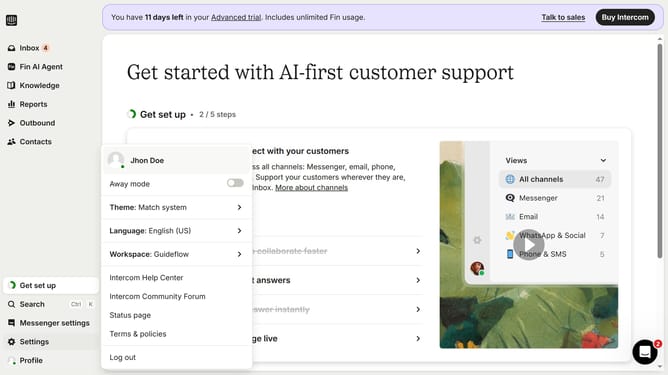
- First click on the "Settings" option in the left sidebar
- Then click on the "Inbox" item in the settings menu
- Next click on the "Tickets" option under the Inbox section
- Click on the "Ticket states" tab in the tickets settings page
- Locate and click on the edit icon next to state you want to rename
- In the edit modal, click the field and enter the new name
- Finally click the "Save" button in the top-right corner of the edit modal
Why should you rename a "Waiting on customer" ticket state in Intercom
Intercom is a powerful platform designed to elevate customer relationships through personalized communication.
Renaming the "Waiting on customer" ticket state in Intercom can enhance team clarity and efficiency. A custom label tailored to your workflow ensures that everyone knows precisely what action is needed and reduces response times.
This flexibility promotes a more streamlined process, empowering team members to prioritize tasks effectively. Personalizing ticket states like this can significantly improve customer satisfaction and team collaboration.
Last update