How to send a scheduled SMS in Intercom
Here is how to send a scheduled sms in intercom
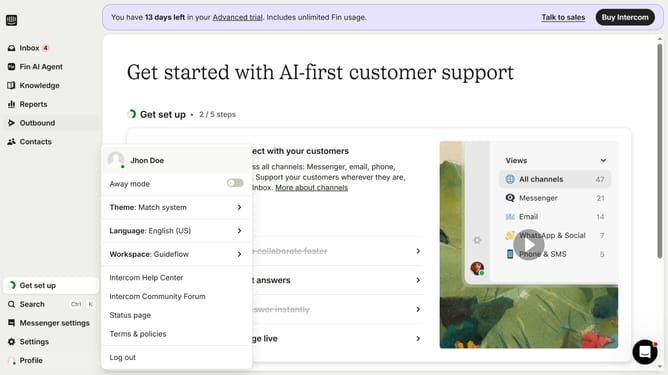
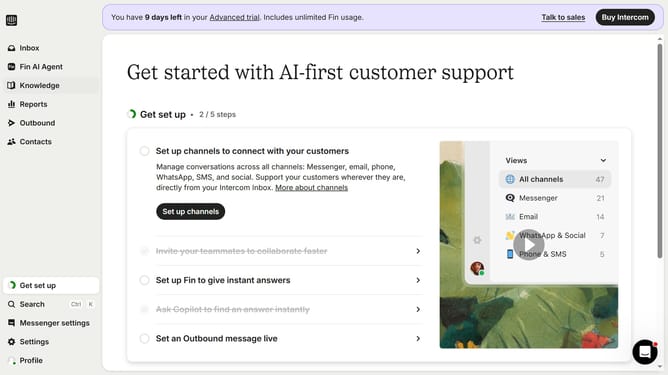
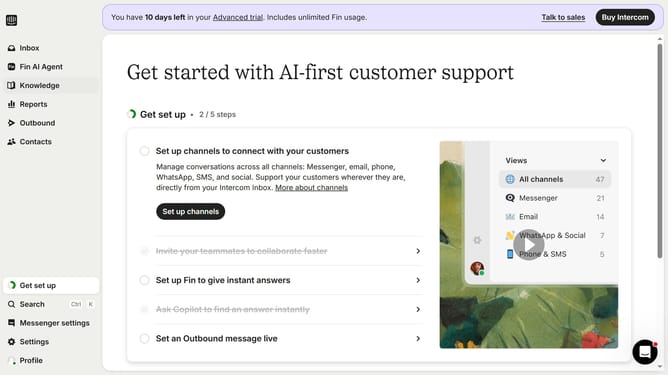
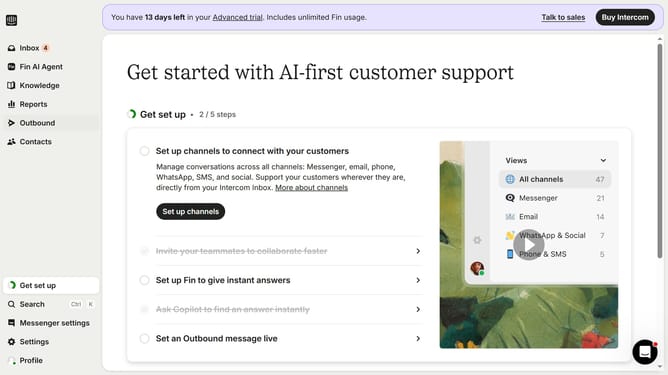
- First click on the "Outbound" item in the left sidebar menu
- Then click on the "New message" button in the top right corner of the Messages section
- Next select the "SMS" template option from the available message types
- Click on the "Frequency and scheduling" dropdown menu in the message settings
- Click on the "Custom date" radio button under Start sending options
- Finally select the date and time you want to send the SMS in the custom date picker
Why should you send a scheduled SMS in Intercom
Intercom is a versatile customer communication platform designed to help businesses enhance their customer interactions.
The ability to send a scheduled SMS in Intercom allows you to reach your audience at the perfect moment, ensuring timely communication.
This feature is particularly beneficial for reminding customers of appointments, sending promotional offers, or following up on inquiries without having to manually send messages at specific times.
By automating message timing, businesses can maintain consistent and effective communication, ultimately boosting customer satisfaction and engagement.
Last update