How to delete an office hour in Intercom
Here is how to delete an office hour in intercom
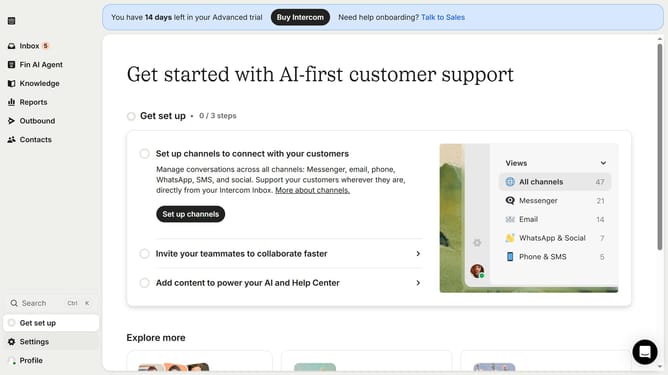
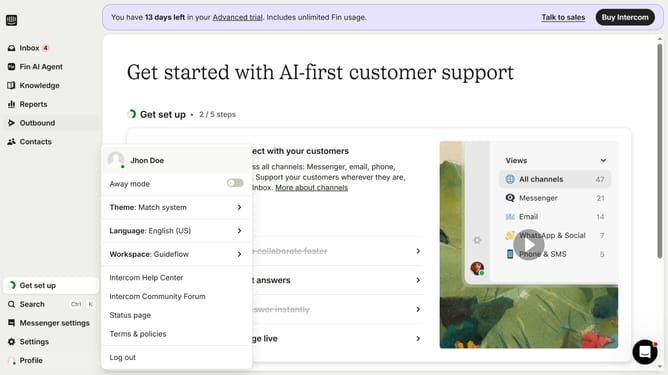
- First click on the "Settings" option in the left sidebar menu
- Then click on the "Workspace" section in the settings menu
- Next click on "Office hours" in the workspace submenu
- Finally click the "Delete" button (trash icon) next to the second office hours time slot
Why should you delete an office hour in Intercom
Intercom provides a seamless platform for businesses to engage efficiently with their customers.
Deleting an office hour in Intercom is a feature that grants you the flexibility to update your team's availability swiftly. This ensures that your customer interactions remain accurate and aligned with current operational realities.
Removing outdated office hours helps manage customer expectations effectively, facilitating smoother communication. With Intercom, adapting to changes becomes hassle-free, enhancing your team's agility and your clients' experience.
Last update