How to archive a "Waiting on customer" ticket state in Intercom
Here is how to archive a "waiting on customer" ticket state in intercom
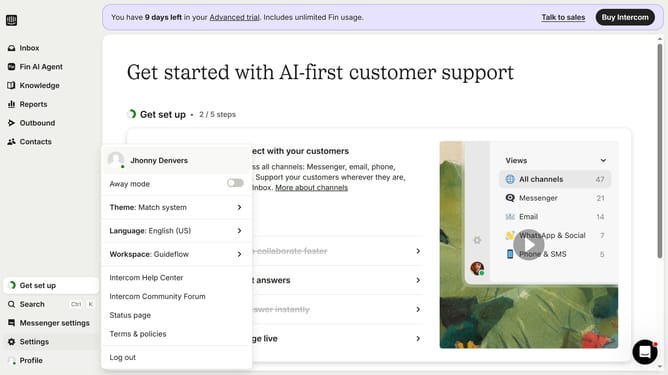
- First click on "Settings" button in the left sidebar menu
- Then click on "Inbox" option in the left sidebar menu under Settings section
- Next click on "Tickets" option in the expanded Inbox submenu
- Click on "Ticket states" tab in the Tickets settings page
- Click on the edit icon next to the state
- Click on the "Archive" icon in the top-right corner of the Edit state modal
- Finally click "Archive" button in the confirmation dialog to archive the selected ticket state
Why should you archive a "Waiting on customer" ticket state in Intercom
Intercom streamlines customer communications by unifying messaging across platforms.
Archiving a "Waiting on customer" ticket in Intercom efficiently organizes your inbox. This feature is crucial as it helps in decluttering, allowing you to focus on actively moving conversations.
Benefit from improved response times and efficiency as archived tickets enable support teams to prioritize essential tasks without losing track of ongoing issues. This optimizes workflow, enhances productivity, and ultimately ensures a more responsive customer support experience.
Last update