How to create a SMS message in Intercom
Here is how to create a sms message in intercom
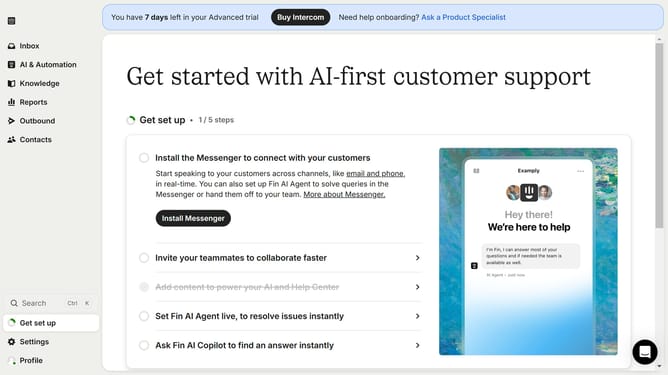
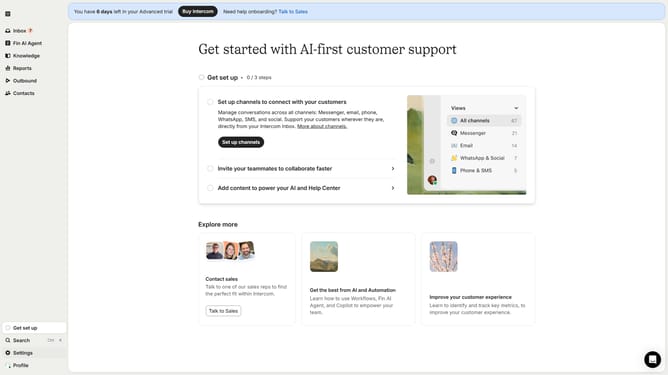
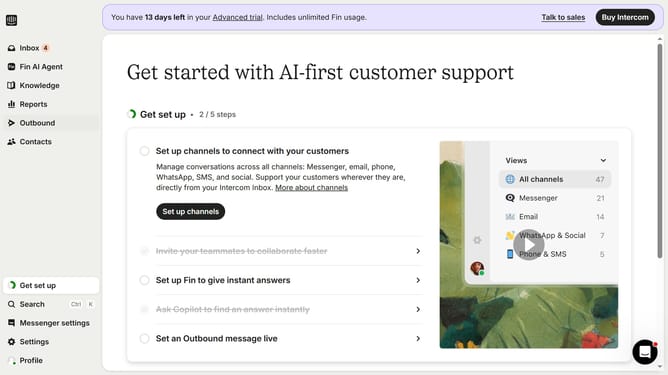
- First click on the "Outbound" option in the left sidebar navigation menu
- Then click on the "New message" button located in the top-right corner of the Messages page
- Finally click on the "SMS" template option in the template selection modal window
Why should you create a SMS message in Intercom
Intercom seamlessly connects businesses with their customers through real-time messaging tools.
The platform's SMS messaging feature allows businesses to craft personalized messages effortlessly, directly reaching their audience's mobile devices.
Utilizing SMS in Intercom enhances customer engagement by leveraging a channel with high open rates, ensuring that critical updates and promotions are seen promptly.
With Intercom's intuitively designed interface, creating SMS messages becomes a streamlined part of your customer communication strategy.
Last update