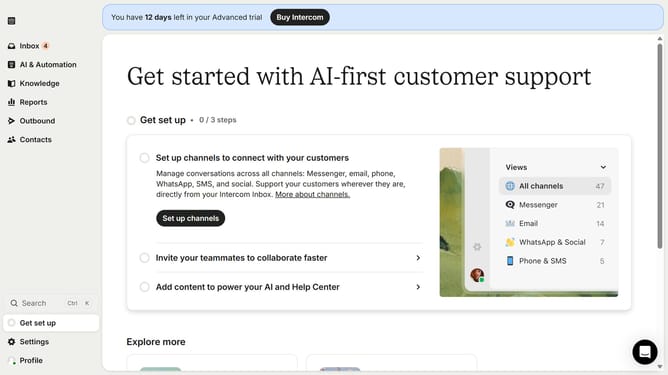
How to create outbound email message on Intercom
Here is how to create outbound email message on intercom
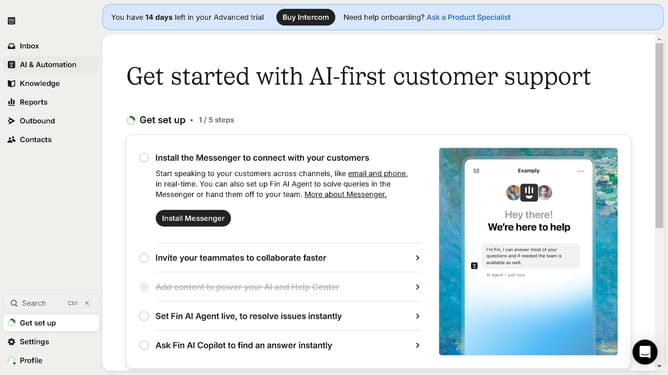
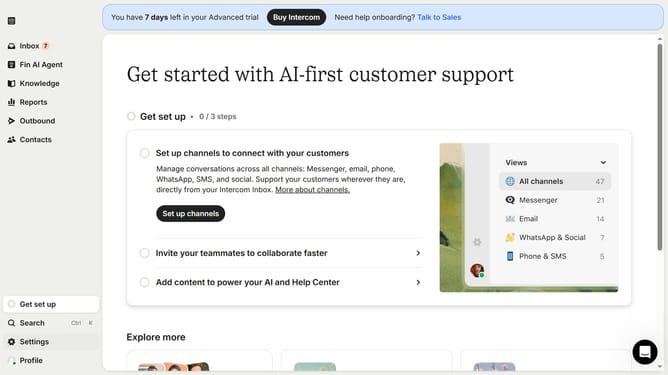
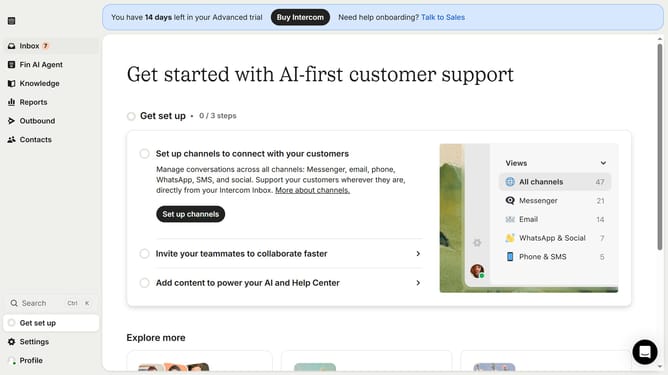
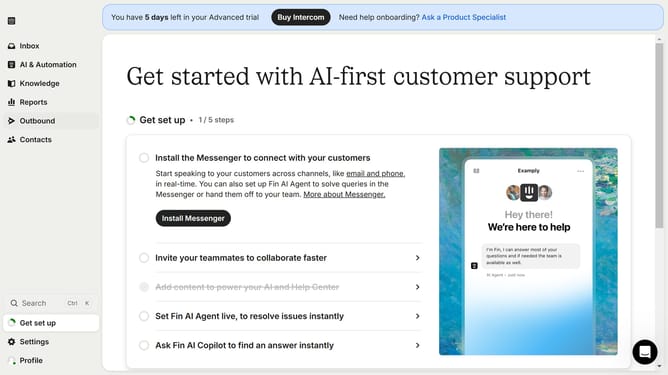
- First, click on the "Outbound" option in the left sidebar menu
- Then click on the "+ New message" button in the top menu
- Next, select the "Email" option from the "Choose a template" modal
- Then, click on the "Plain" template button
- After that, click on the "Use this template" button
- Finally, click on the "Save and close" button
Why should you create outbound email message on Intercom
Intercom is a versatile platform designed to enhance customer interaction and streamline communication.
The outbound email messaging feature on Intercom empowers businesses to reach their audience effectively. This feature allows businesses to send personalized, targeted messages to their customers, boosting engagement and enhancing the customer experience.
Utilizing outbound email in Intercom not only increases response rates but also helps businesses maintain a consistent communication flow, fostering stronger relationships with their clients.
Last update