How to edit an email in Intercom
Here is how to edit an email in intercom
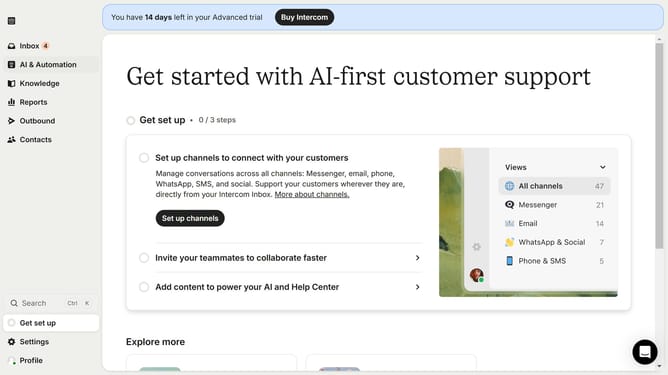
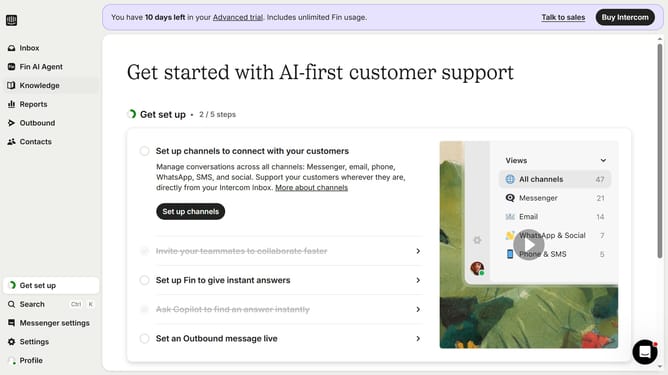
- First click on the "Outbound" item in the left sidebar
- Then click on the email item from the messages list in the main content area
- Next click the "Edit" button in the top toolbar
- Next configure the content area of the email editor panel
- Next configure the settings on the left settings panel in the General settings section
- Finally click the "Save and close" button in the top toolbar to apply changes
Why should you edit an email in Intercom
Intercom is an innovative platform designed to revolutionize how businesses engage with their customers.
Editing an email in Intercom is straightforward and user-friendly, allowing you to tailor messages to better connect with your audience. This feature enhances communication and ensures clarity in all your correspondence.
Utilizing the edit email feature in Intercom not only saves time but also enhances message accuracy and personalization, fostering improved customer relationships and satisfaction.
It allows for quick adjustments, ensuring your messaging is always aligned with your brand's voice and objectives.
Last update