How to select attributes for Fin AI Copilot to match past conversations with on Intercom
Here is how to select attributes for fin ai copilot to match past conversations with on intercom
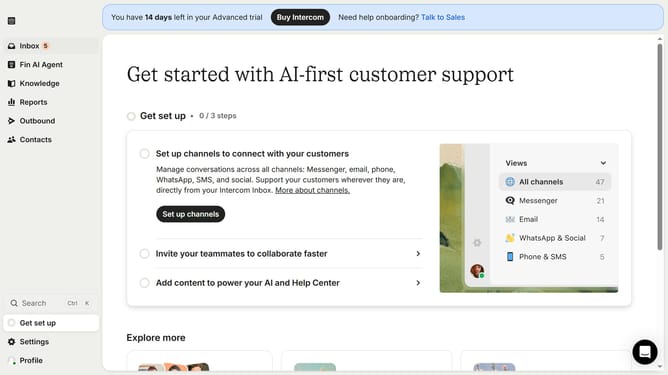
- First click on the "Knowledge" item in the left sidebar menu
- Then click on the "Sources" tab in the left sidebar submenu
- Next click on the "Manage" button next to the Intercom conversations section
- Then click on the "Add attribute" button in the Conversations settings modal
- Next select the data from the attributes dropdown list
- Finally click the "Save" button in the top-right corner of the Conversations settings modal
Why should you select attributes for Fin AI Copilot to match past conversations with on Intercom
Intercom is a dynamic platform designed to enhance personalized customer communication and engagement.
Selecting the right attributes for Fin AI Copilot to align with past conversations on Intercom ensures that customer interactions are relevant and insightful. By choosing relevant attributes, Fin AI effectively tailors responses based on the context of previous interactions, offering a seamless and personalized experience for users.
This approach not only enhances customer satisfaction but also builds trust, as clients receive solutions that resonate with their unique history and needs.
Last update