How to update or delete a PDF file on Intercom
Here is how to update or delete a pdf file on intercom
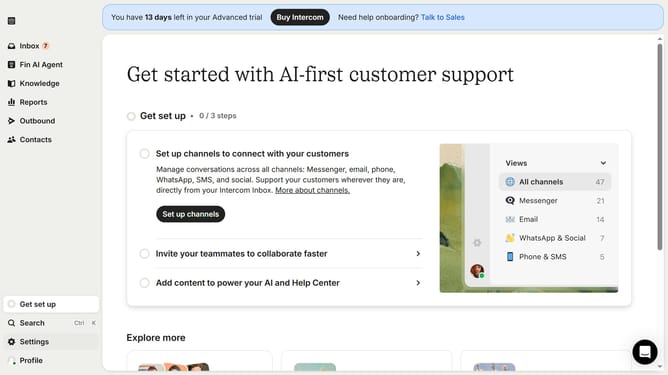
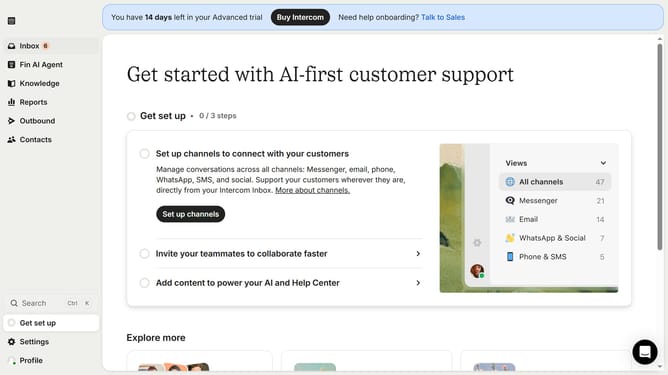
- First click on the "Knowledge" item in the left sidebar menu
- Then click on the PDF document item in the content list
- Next click on the re-upload document to update your PDF at the top of the window
- Or click on the "Delete" icon in the top menu bar to erase the PDF
- Finally click on the "Delete" button in the confirmation dialog
Why should you update or delete a PDF file on Intercom
Intercom connects businesses with their clients seamlessly through powerful messaging tools.
Updating or deleting a PDF file on Intercom is intuitive and efficient, allowing you to keep your content fresh and relevant.
This feature ensures that your clients always have access to the most up-to-date information, enhancing their user experience.
Easily managing your PDF files on Intercom saves time, reduces clutter, and maintains a polished, professional interface for your audience.
Last update