How to set reply times in Intercom
Here is how to set reply times in intercom
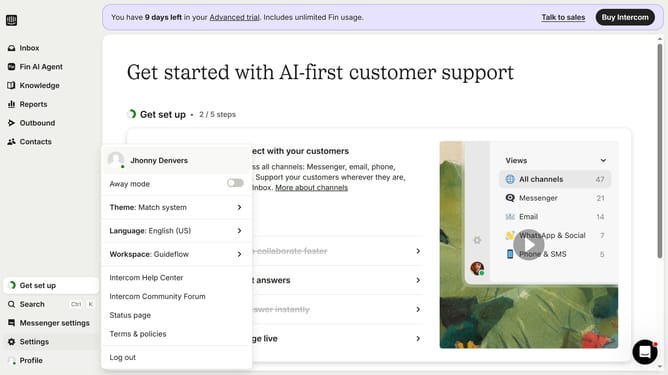
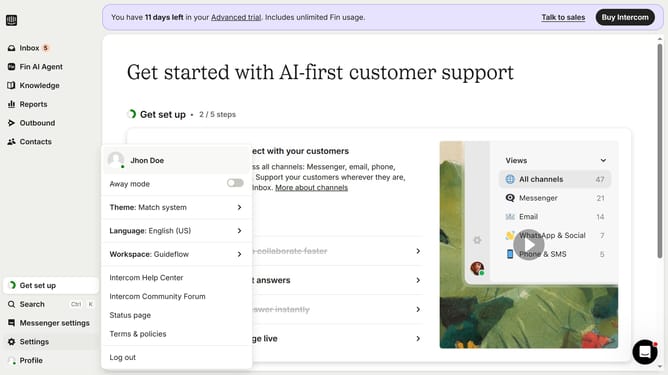
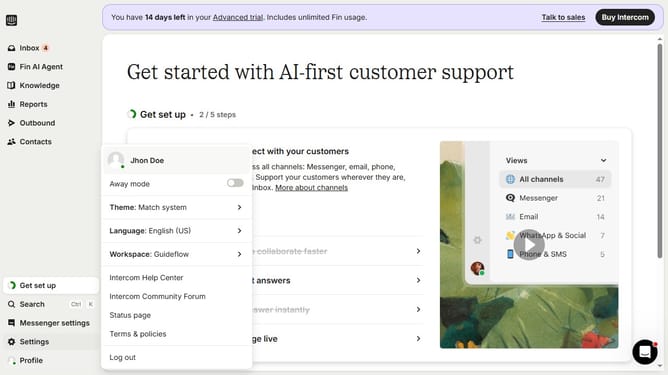
- First click on the "Settings" option in the left sidebar menu
- Then click on the "Workspace" section in the settings menu
- Next click on "Office hours" in the workspace submenu
- Then click on the dropdown in the Reply times section
- Finally select an option from the reply time options dropdown menu
Why should you set reply times in Intercom
Intercom is a versatile customer communication platform designed to facilitate effective interaction with clients.
One standout feature of Intercom is its ability to set reply times, allowing businesses to manage customer expectations by informing them when to anticipate a response.
This feature not only enhances customer satisfaction by providing clear communication timelines but also empowers teams to structure their workload efficiently.
Ultimately, setting reply times helps in building trust and improving overall customer experience.
Last update