How to send a scheduled mobile carousel in Intercom
Here is how to send a scheduled mobile carousel in intercom
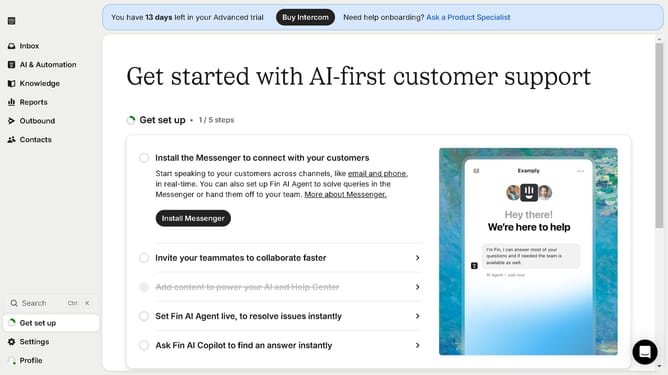
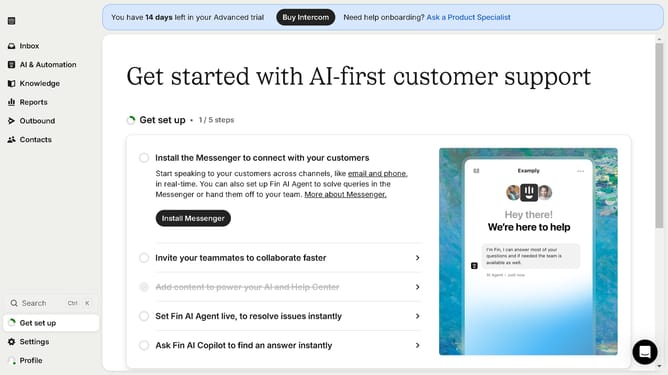
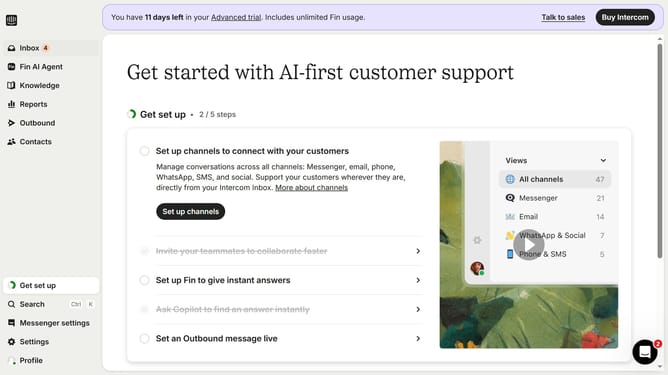
- First click on the "Outbound" option in the left sidebar navigation
- Then click the "New message" button in the top-right corner of the Messages screen
- Select the "Mobile Carousel" template from the available options
- Click on the "Frequency and scheduling" section to expand the scheduling options
- Select the "Custom date" radio button under the Start sending options
- Finally select the date and time you want to send the mobile carousel in the custom date picker
Why should you send a scheduled mobile carousel in Intercom
Intercom is a leading platform designed to enhance customer interaction through personalized and efficient communication solutions.
Scheduling a mobile carousel in Intercom allows businesses to engage their users at the most opportune moments. This feature ensures that carefully crafted messages reach the audience when they are most receptive.
Utilizing scheduled mobile carousels can significantly boost user engagement by delivering timely and relevant content, ultimately improving customer experience and fostering stronger connections.
Last update