How to create a subfolder on Intercom
Here is how to create a subfolder on intercom
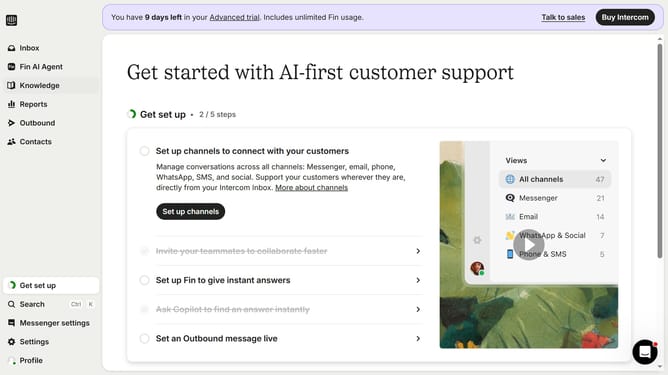
- First click on the "Knowledge" item in the left sidebar
- Then click on the "Sample Folder" item in the content tree
- Next click on the "New subfolder" button in the top toolbar
- Click on the text field to enter the subfolder name
- Finally click on the "Create subfolder" button in the dialog
Why should you create a subfolder on Intercom
Intercom is a powerful platform designed to enhance customer communication and engagement.
One particularly useful feature is the ability to create subfolders, which boosts organizational efficiency by allowing teams to categorize and prioritize conversations seamlessly.
Using subfolders helps streamline workflows by ensuring that the right messages are grouped logically, allowing for quicker and more effective responses.
This feature enables teams to better manage their workload, ensuring no critical communication is overlooked and improving overall team productivity.
Last update