How to archive a contact in Intercom
Here is how to archive a contact in intercom
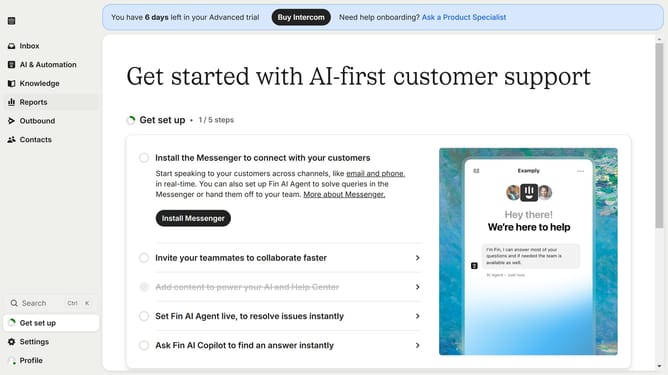
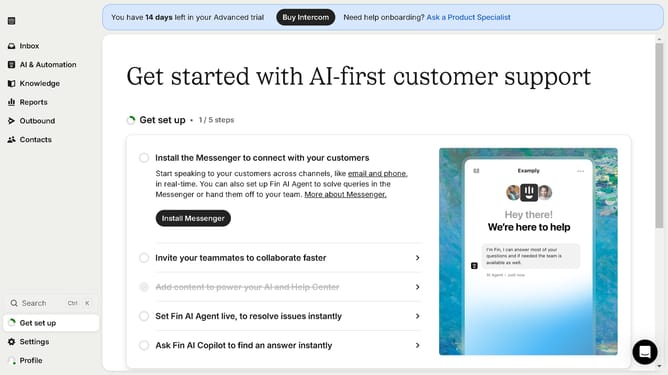
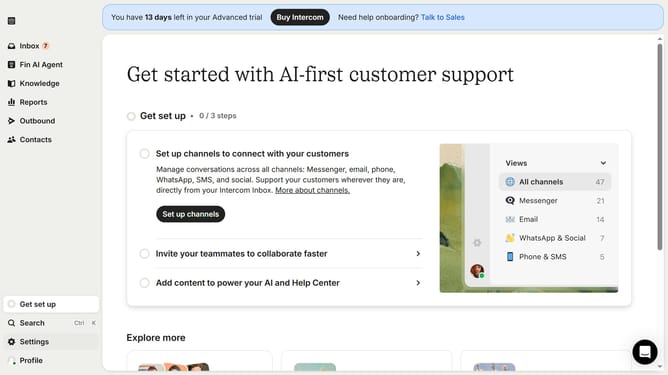
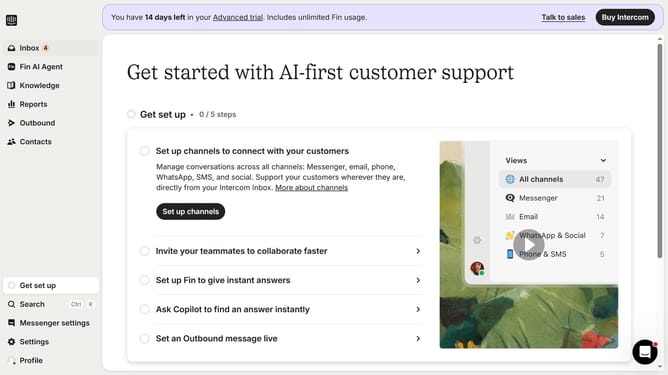
- First click on the "Contacts" link in the left sidebar navigation
- Then click on the contact name in the contacts list
- Next click on the "More options" button in the contact details page
- Then select "Archive" option from the dropdown menu
- Finally click the "Archive" button in the confirmation dialog to archive the contact
Why should you archive a contact in Intercom
Intercom is a powerful communication platform designed to enhance customer engagement and support.
Archiving a contact in Intercom is a smart way to maintain an organized contact list by removing inactive or irrelevant entries.
This feature ensures that your active list remains clutter-free, allowing your team to focus on the most crucial contacts.
By archiving, you keep your database efficient, ultimately improving team productivity and enhancing customer relationship management.
Last update