How to upload a PDF file to the Knowledge Hub on Intercom
Here is how to upload a pdf file to the knowledge hub on intercom
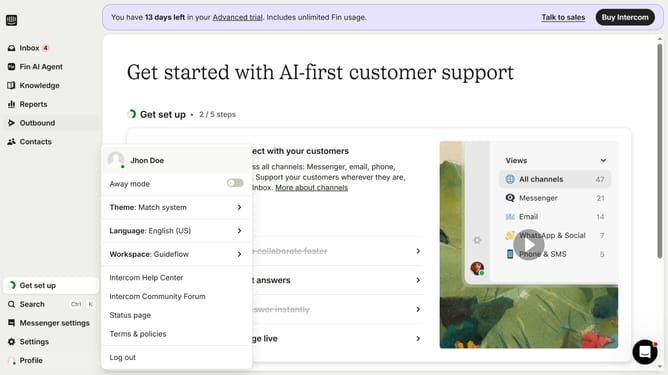
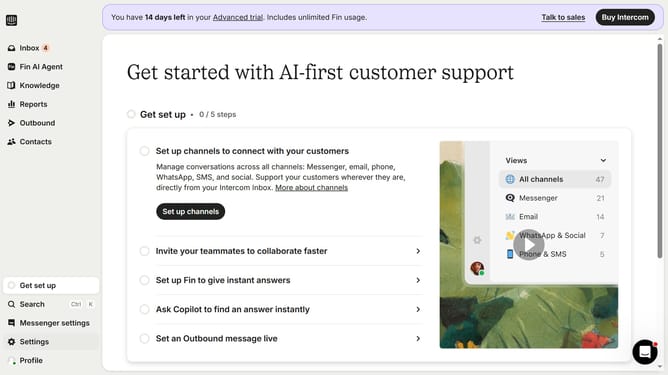
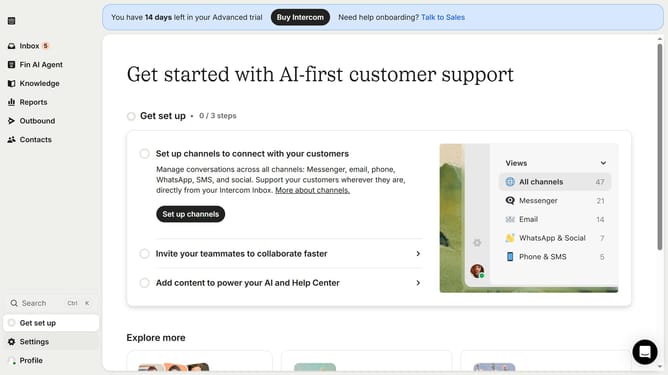
- First click on the "Knowledge" item in the left sidebar menu
- Then click on the "New content" button in the top-right corner of the content area
- Next click on the "PDF" option in the content creation modal
- Then click on the "Select a file" button in the PDF upload dialog
- After selecting the file, click on the "Select language" dropdown menu
- Finally click the "Upload" button to complete the PDF upload process
Why should you upload a PDF file to the Knowledge Hub on Intercom
Intercom is a versatile platform designed to streamline customer communication and enhance support.
Uploading a PDF file to the Knowledge Hub on Intercom empowers your team by centralizing essential documents, ensuring quick access to valuable resources.
Having crucial information at your team's fingertips not only boosts productivity but also improves response times, enhancing customer satisfaction.
This feature supports seamless organization, making it easier for staff to keep key information updated and readily available.
Last update