How to create a banner in Intercom
Here is how to create a banner in intercom
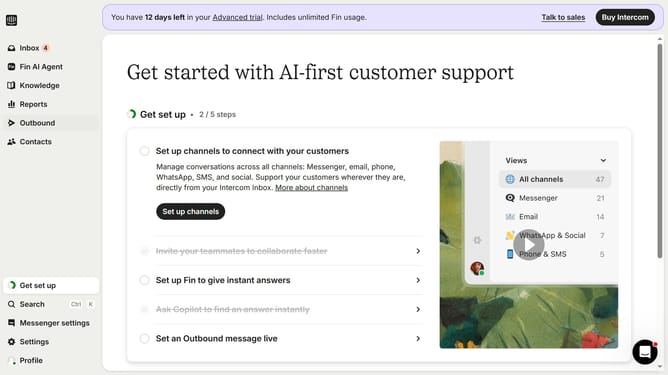
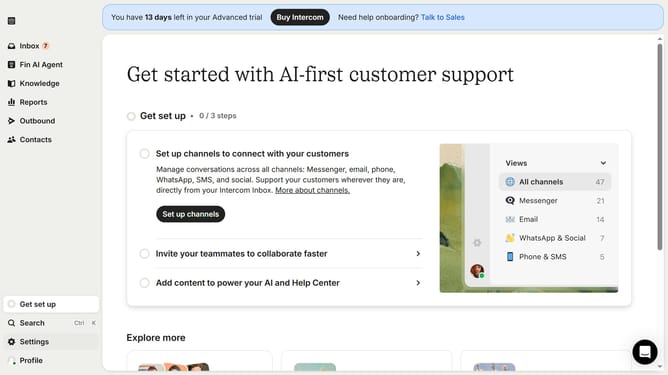
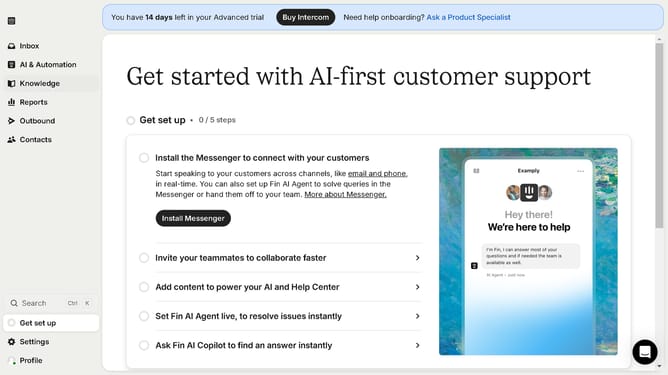
- First click on the "Outbound" option in the left sidebar navigation menu
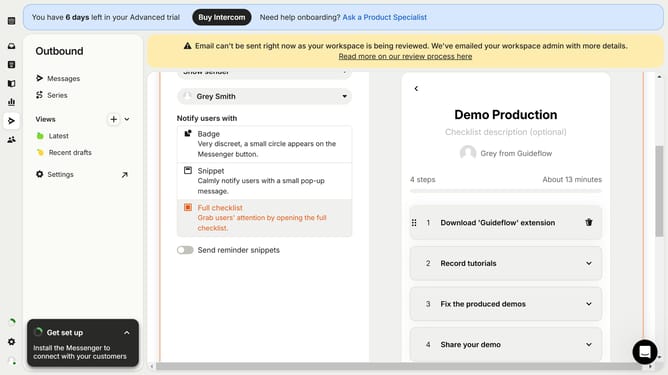
- Then click on the "New message" button located in the top-right corner of the Messages page
- Finally click on the "Banner" template option in the template selection modal window
Why should you create a banner in Intercom
Intercom is a versatile platform designed to enhance user communication and engagement.
Creating a banner in Intercom allows you to capture attention effectively with eye-catching visuals. This feature is invaluable for promoting updates, highlighting features, or sharing important announcements directly within your app or website.
Using banners boosts user interaction by providing timely information, ultimately leading to improved user satisfaction and retention.
With Intercom’s intuitive interface, crafting compelling banners becomes a seamless experience for any team.
Last update