How to create a post on Intercom
Here is how to create a post on intercom
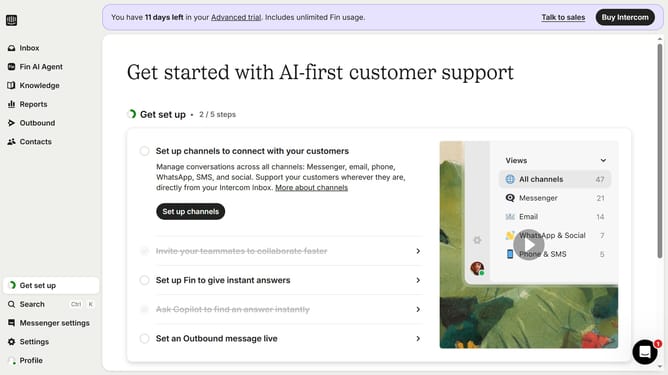
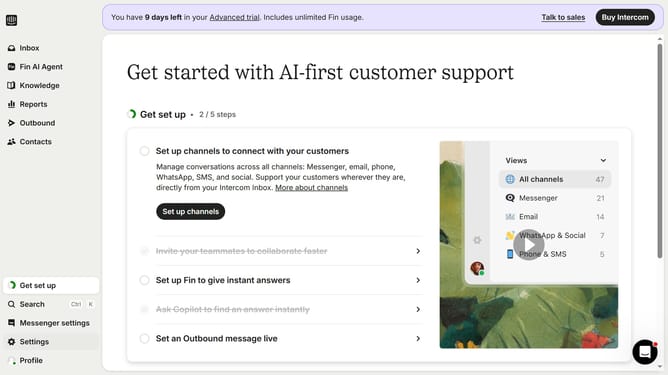
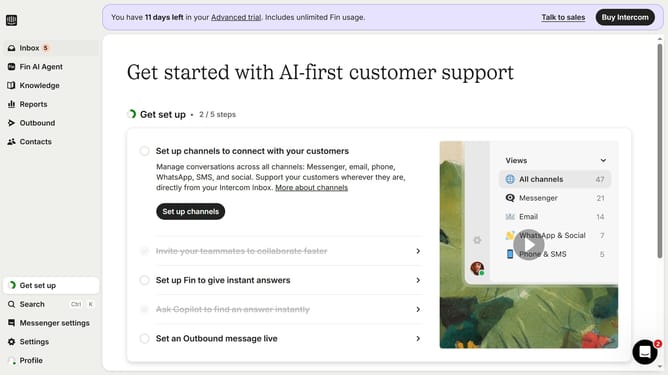
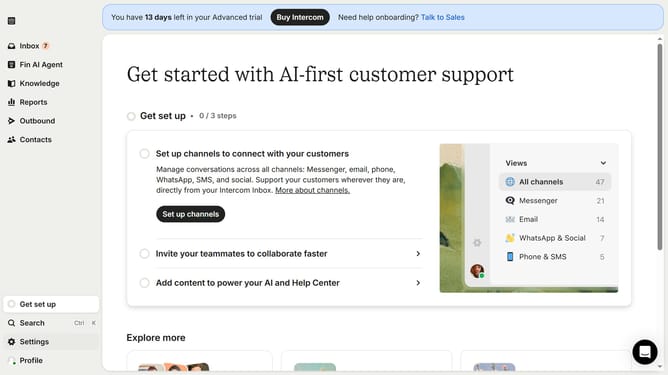
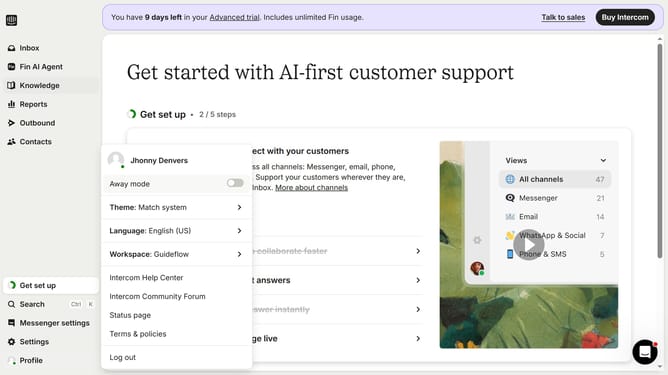
- First click on "Outbound" in the left sidebar
- Then click on "+ New message" button
- Then select "Post" from the "Choose a template" modal
- Finally click on "Save and close" button
Why should you create a post on Intercom
Intercom is a powerful platform designed to enhance customer communication and streamline support experiences.
Creating a post on Intercom allows you to engage users effectively by sharing key updates, announcements, or helpful resources directly through your app or website.
This feature empowers you to deliver timely information to the right people, significantly enhancing user experience and satisfaction.
Utilizing posts on Intercom ensures your messages are not only seen but also generate a meaningful interaction with your audience.
Last update