How to create a chat in Intercom
Here is how to create a chat in intercom
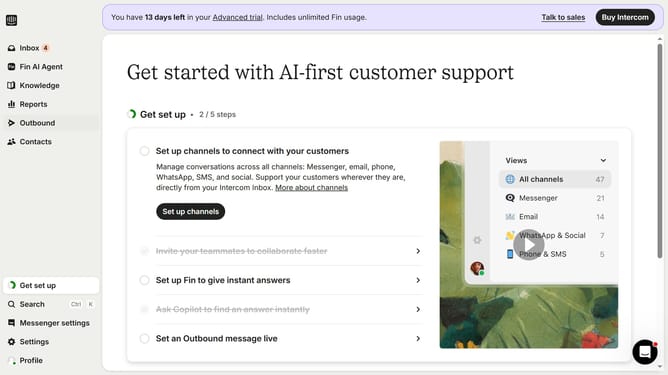
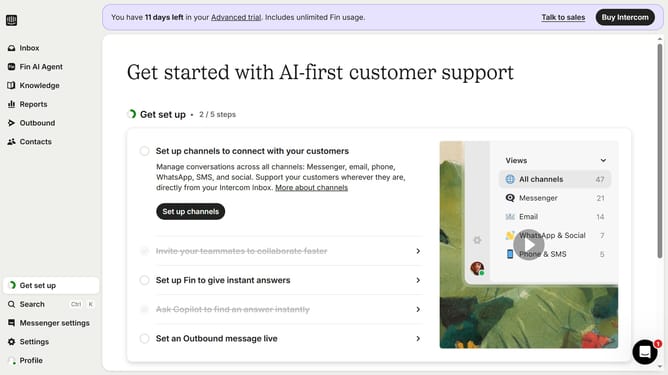
- First click on the "Outbound" option in the left sidebar navigation menu
- Then click on the "New message" button located in the top-right corner of the Messages page
- Finally click on the "Chat" template option in the template selection modal window
Why should you create a chat in Intercom
Intercom is a powerful and versatile communication platform designed to enhance customer engagement.
Creating a chat in Intercom is an intuitive feature that connects businesses directly with their customers, facilitating seamless and real-time conversations.
This feature empowers companies by streamlining communication, enabling faster responses, and enhancing overall user satisfaction. By leveraging chat, businesses can improve customer experience and build long-lasting relationships.
Intercom's chat functionality helps businesses adapt to customer needs swiftly, providing a personalized touch to every interaction.
Last update