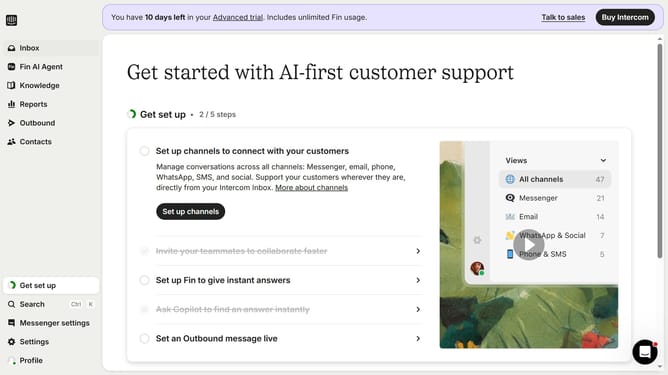
How to disconnect Pipedrive from Intercom
Here is how to disconnect pipedrive from intercom
- First click on the "Settings" option in the left sidebar menu
- Then click on the "Integrations" menu item in the settings sidebar
- Next click on "App Store" in the integrations submenu
- Click on "Your installed apps" under the Manage section
- Click on the "Pipedrive" app tile from the list of installed apps
- Click the "Uninstall" button located in the right sidebar
- In the confirmation dialog, click the text input field to type the confirmation word
- Next click the "Choose a reason" dropdown"
- Select a reason from the dropdown menu as the reason for uninstallation
- Finally click the red "Uninstall" button to complete the process
Why should you disconnect Pipedrive from Intercom
Intercom is a dynamic customer communication platform designed to enhance user engagement and support.
Disconnecting Pipedrive from Intercom can streamline operations, helping businesses maintain focus on more relevant tools for their workflow.
By disconnecting, teams can avoid unnecessary data syncs, ensuring that only essential information is prioritized, which leads to a more efficient use of resources.
This step helps in maintaining a cleaner integration landscape, allowing businesses to evolve their software stack to meet current needs without any hassle.
Last update