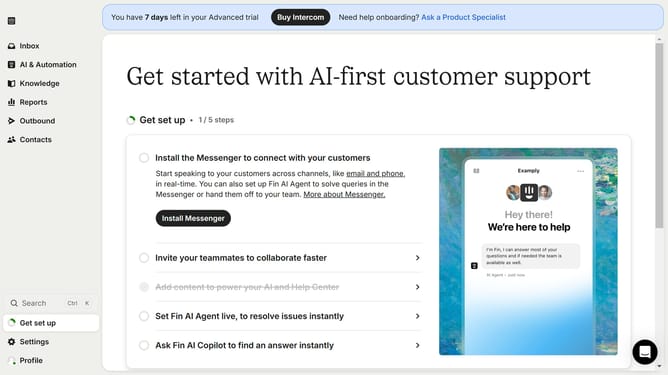
How to unpublish an article on Intercom
Here is how to unpublish an article on intercom
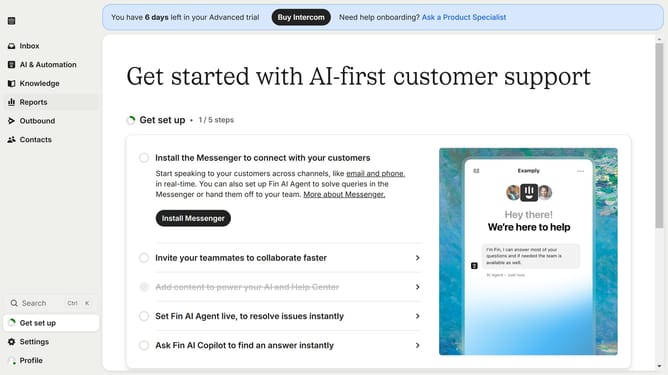
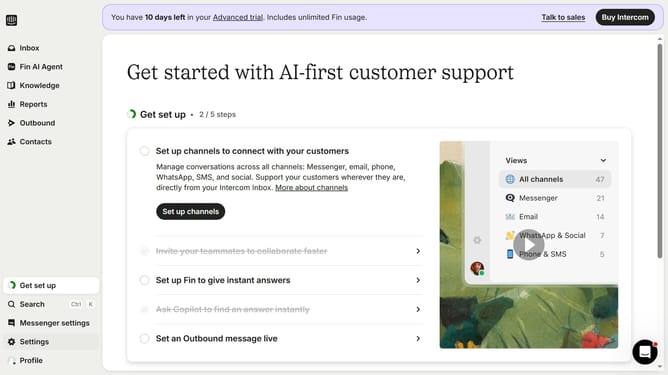
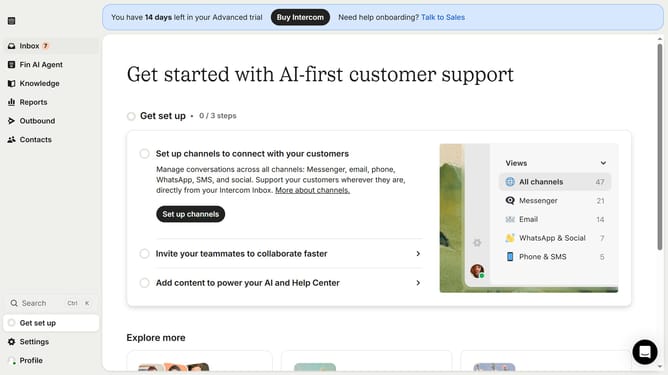
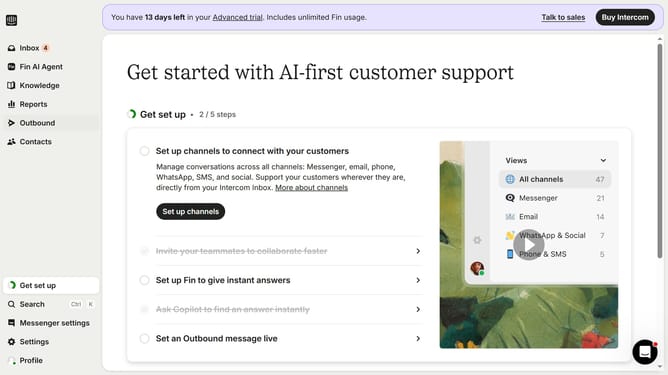
- First click on the "Knowledge" option in the left sidebar menu
- Then click on the published article in the content list
- Finally click on the "Unpublished" icon in the top toolbar of the article view
Why should you unpublish an article on Intercom
Intercom is a powerful customer communication platform designed to revolutionize interactions between businesses and their clients.
The ability to unpublish an article on Intercom is a pivotal feature, allowing users to control the content accessibility instantly.
This feature benefits users by offering flexibility and management, ensuring only the most relevant and up-to-date information is visible to their audience.
Additionally, it aids in maintaining the credibility and quality of the content by enabling swift removal of outdated or incorrect materials.
Last update