How to restore a "Waiting on Customer" ticket state in Intercom
Here is how to restore a "waiting on customer" ticket state in intercom
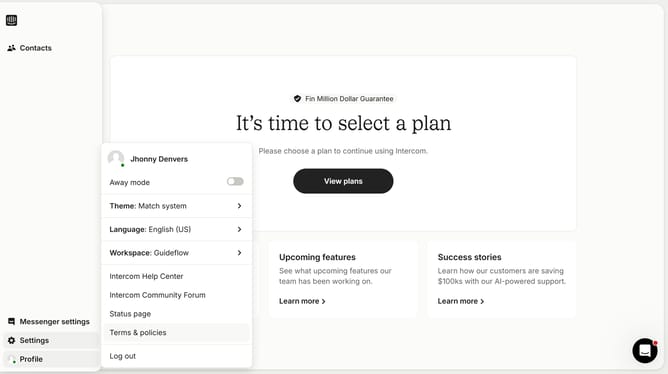
- First click on the "Settings" option in the left sidebar
- Then click on the "Inbox" section in the Settings menu
- Next click on the "Tickets" option under the Inbox submenu
- Then click on the "Ticket states" tab in the Tickets settings area
- Click on the "Live" dropdown menu to view ticket state options
- Select "Archived" from the Live dropdown menu
- Finally click on the "Restore" button next to the ticket state
Why should you restore a "Waiting on Customer" ticket state in Intercom
Intercom is a versatile customer communication platform designed to enhance interaction and support service efficiency.
Restoring a "Waiting on Customer" ticket state in Intercom is a feature that ensures seamless communication management by marking tickets awaiting customer action, boosting response organization.
This feature supports prioritization in busy support queues, preventing confusion and ensuring nothing falls through the cracks. It streamlines workflow, allowing teams to focus on resolving active issues while keeping accurate track of pending responses.
Ultimately, it enhances customer experience by ensuring timely follow-ups.
Last update