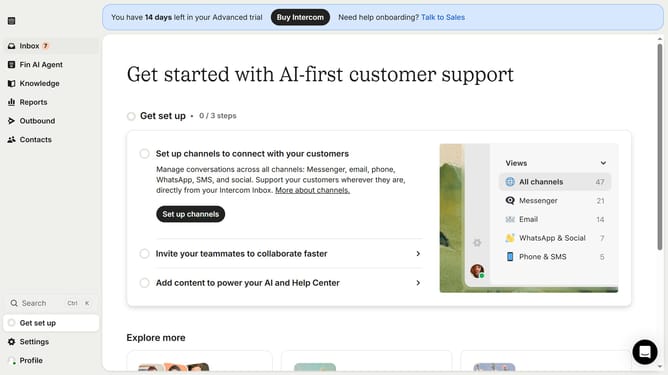
How to add teammate to get deliverability notifications in Intercom
Here is how to add teammate to get deliverability notifications in intercom
- First click on "Settings" item in the sidebar
- Then click on "Channels" item in the sidebar
- Then click on "Email" item in the sidebar
- Then click on "Email settings" button
- Then click on "Configure deliverability notifications" button
- Then click on "+ Add teammate" button
- Finally select a teammate name from the list
Why should you add teammate to get deliverability notifications in Intercom
Intercom is a versatile platform designed to enhance customer communication and engagement.
A valuable feature in Intercom is the ability to add teammates to receive deliverability notifications. This capability streamlines team collaboration by ensuring all relevant members are in the loop about message delivery statuses.
By adding teammates, teams can quickly address any deliverability issues, leading to more efficient communication and improved customer satisfaction. Overall, this feature empowers teams to stay informed and proactive.
Last update