How to disable attachments for users and leads in Intercom
Here is how to disable attachments for users and leads in intercom
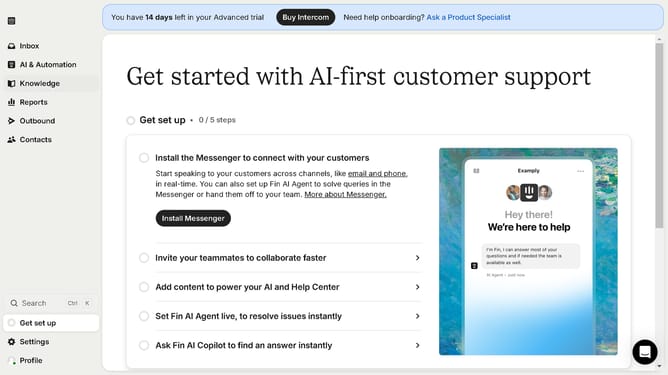
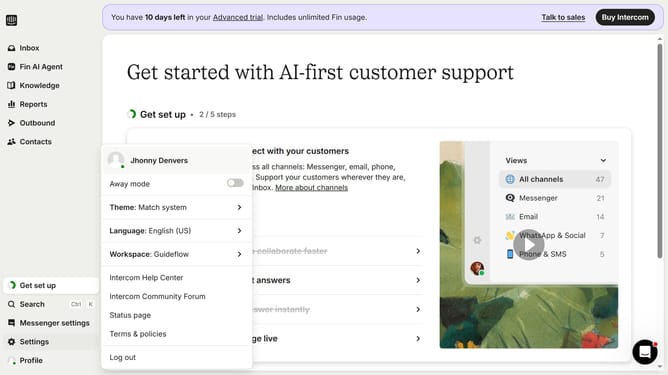
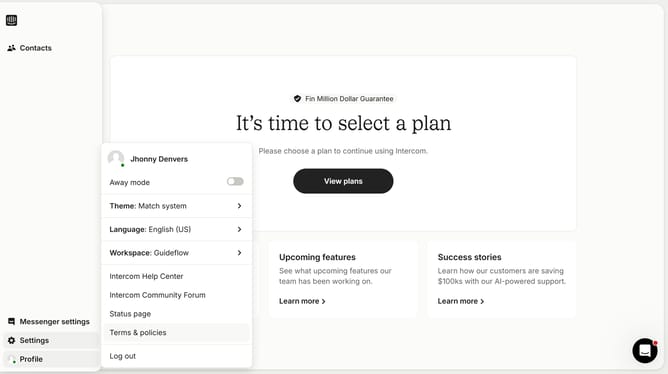
- First click on "Settings" in the left sidebar menu
- Then click on "Workspace" option in the settings menu
- Next click on "Security" item in the workspace submenu
- Then click on "Receiving attachments" section in the security settings
- Click on the toggle switch for "Allow leads and users to send attachments"
- Finally click on "Save" button at the bottom of the attachments settings panel
Why should you disable attachments for users and leads in Intercom
Intercom is a powerful platform designed to enhance customer communication and engagement.
By disabling attachments for users and leads, businesses can streamline interactions, focusing on the core communication without unnecessary file exchanges.
This feature ensures that user engagement remains efficient and secure, minimizing the risk of sharing sensitive or irrelevant information.
Ultimately, it supports a clutter-free communication strategy, enhancing productivity and clarity between businesses and their customers.
Last update