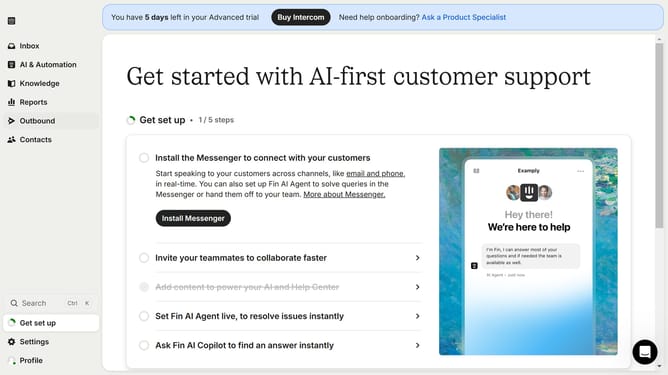
How to save a snippet on Intercom
Here is how to save a snippet on intercom
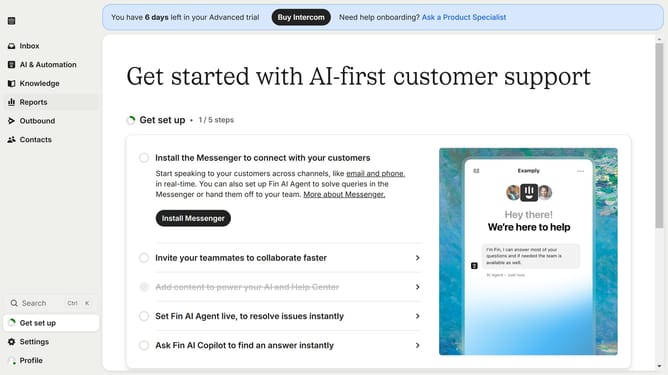
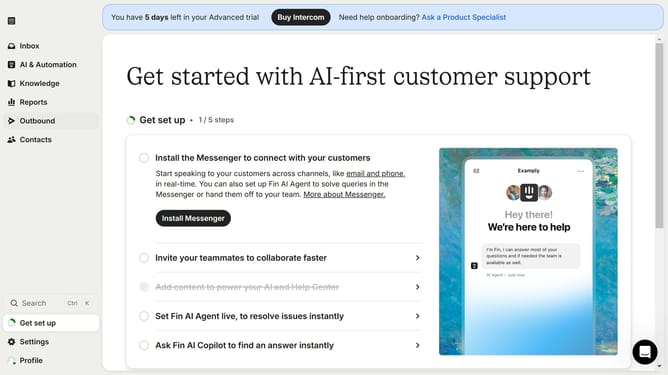
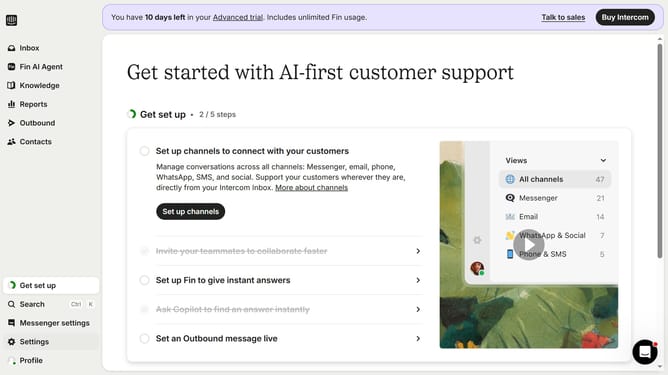
- First click on the "Knowledge" item in the left sidebar menu
- Then click on "Sample Snippet" in the content list
- Next click on the "Edit" button in the top toolbar
- Then click on the content area to begin editing the snippet
- Finally click the "Save" button in the top toolbar to save your changes
Why should you save a snippet on Intercom
Intercom is a powerful platform designed to enhance customer communication and engagement.
Saving a snippet on Intercom is a convenient feature that boosts efficiency and consistency. Snippets are reusable pieces of text or information that you can quickly insert into messages. This means you can respond to customer inquiries faster without sacrificing quality.
Using snippets not only saves time but also ensures that responses remain uniform and professional across various interactions, aiding in maintaining a cohesive brand voice while improving response times.
Last update