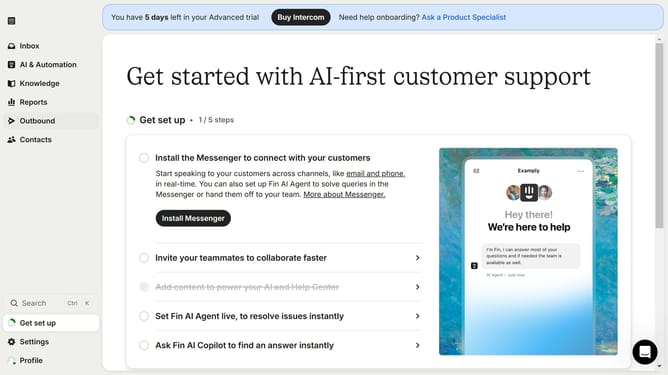
How to add a page URL to your steps in Intercom
Here is how to add a page url to your steps in intercom
- First click on the step item in the checklist panel
- Next click on the dropdown arrow in the "Actions" option
- Then select the "Go to page URL" from the dropdown list of actions
- Next insert the URL link in the URL field provided in the action panel
- Click on "Click here" button in the checklist panel to edit
- Finally click on "Save and close" button in the top toolbar
Why should you add a page URL to your steps in Intercom
Intercom is a versatile platform designed to enhance customer communication through intelligent messaging tools.
Adding a page URL to your steps in Intercom enhances clarity and contextual understanding during customer interactions.
By linking directly to relevant pages, customers can swiftly access further information, improving their overall experience. This feature streamlines support, reduces response times, and empowers users with self-serve options, showcasing how effective communication can be a game-changer for any business.
Last update