How to add title to post message on Intercom
Here is how to add title to post message on intercom
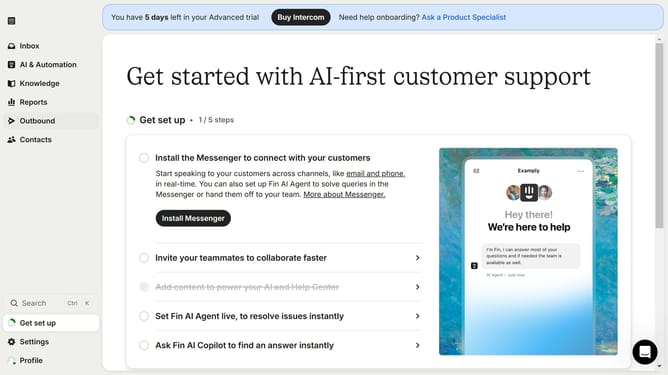
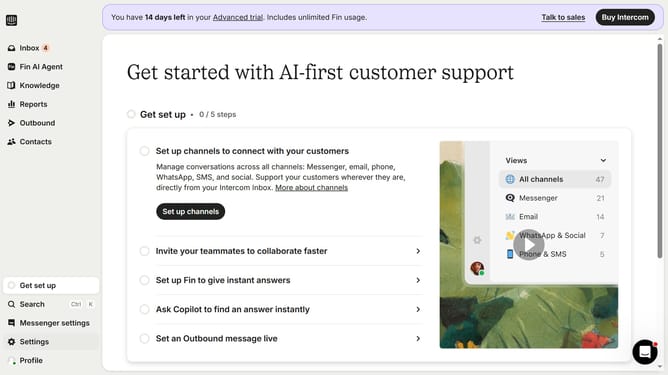
- First, click on "Outbound" in the left sidebar
- Then, click on the post title that you want to manage
- Next, click on the "Edit" button
- After that, click on the "Untitled" text input by the title of the message and enter your preferred title
- Finally, click on the "Save and close" button
Why should you add title to post message on Intercom
Intercom is a powerful platform designed to enhance communication with customers through personalized messaging.
Adding a title to your post messages on Intercom not only captures attention but also provides context to your message, instantly letting your audience know the purpose of your communication.
This feature enhances engagement by making content immediately relevant and easy to understand, ensuring messages stand out in an inbox and prompting swift action from recipients.
Ultimately, using a compelling post title on Intercom can significantly boost response rates and enrich user experience.
Last update