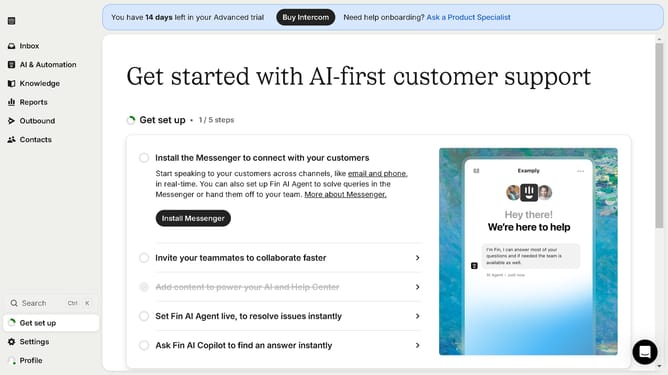
How to add a conversation rating to a workflow in Intercom
Here is how to add a conversation rating to a workflow in intercom
- First click on "AI & Automation" in the left sidebar menu
- Then click on "Workflows" in the left sidebar submenu
- Next click on workflow item in the workflows list
- Then click on "Add step" button in the workflow editor
- Click on the "Search" field in the top menu of the workflow editor
- Finally click on "Ask for conversation rating" path in the Add content to path dropdown menu
Why should you add a conversation rating to a workflow in Intercom
Intercom is a powerful communication platform designed to enhance customer relationships through personalized interactions.
Adding a conversation rating to a workflow in Intercom empowers businesses to capture customer feedback in real-time. This feature allows users to assess the quality of support interactions effortlessly, offering deep insights into customer satisfaction levels.
Incorporating conversation ratings promotes accountability among team members, facilitating a culture of continuous improvement. It aids in refining workflows by identifying strengths and areas needing enhancement. With actionable feedback on hand, businesses can boost customer loyalty and service efficiency.
Last update