How to create a snippet on Intercom
Here is how to create a snippet on intercom
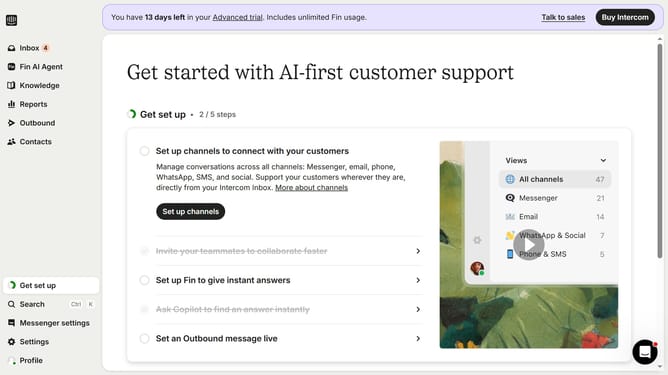
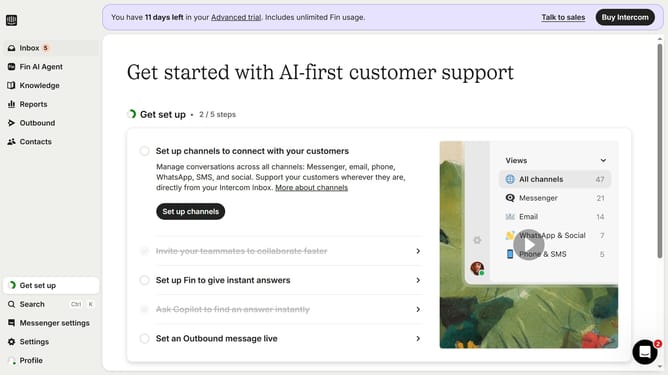
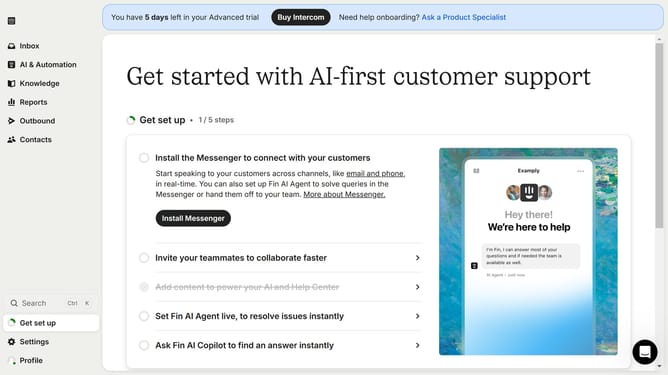
- First click on the "Knowledge" option in the left sidebar menu
- Then click on the "New content" button in the top toolbar
- Finally click on the "Snippet" card in the Add content modal
Why should you create a snippet on Intercom
Intercom is a leading platform dedicated to enhancing customer communication and support.
Creating a snippet on Intercom is a streamlined feature that allows businesses to save time by quickly reusing frequently used responses. This feature is not only a time-saver but also ensures consistency in customer interactions.
By using snippets, team members can respond more efficiently, providing instant solutions to common queries. This, in turn, enhances the customer experience by reducing response times and maintaining a professional, unified tone.
Last update