How to create a checklist on Intercom
Here is how to create a checklist on intercom
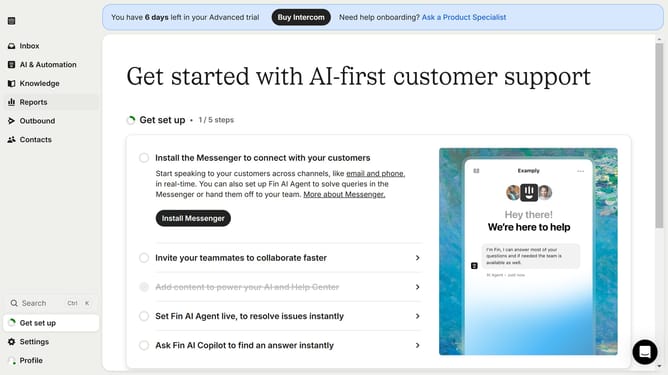
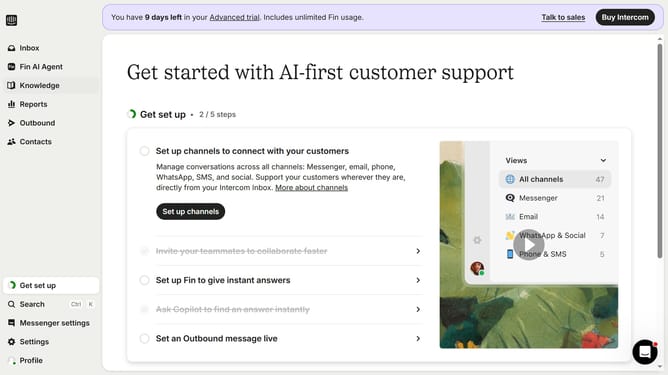
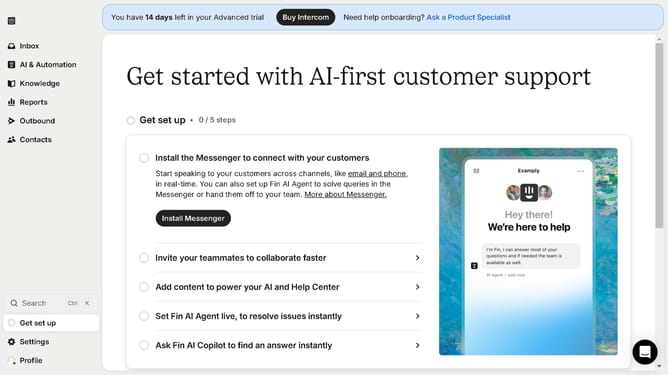
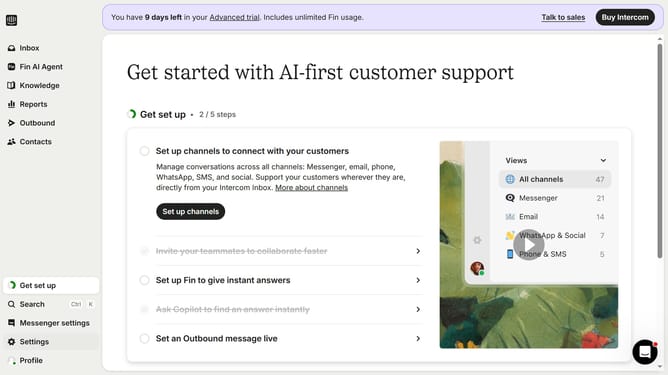
- First click on the "Outbound" option in the left sidebar menu
- Then click on the "New message" button in the top right corner of the main content area
- Next click on the "SMS" template option from the available message types
- Next click in the empty field area to begin composing your title
- Finally click on the "Save and close" button in the top right corner of the message editor
Why should you create a checklist on Intercom
Intercom is an innovative platform designed to streamline customer communication and enhance user interactions.
The ability to create a checklist on Intercom empowers teams to structure tasks efficiently, ensuring nothing is overlooked. This feature enables users to organize responsibilities, prioritize actions, and track progress seamlessly.
By utilizing checklists, organizations can boost productivity and maintain a focused approach to their operations, ultimately leading to improved customer service and satisfaction.
Last update