How to enable auto-detection of customer emails in Intercom
Here is how to enable auto-detection of customer emails in intercom
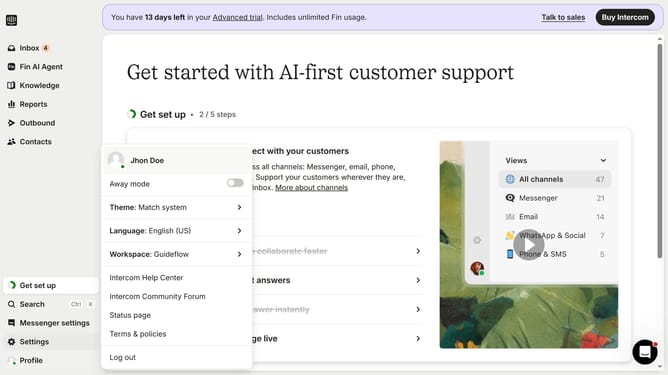
- First click on the "Settings" button in the sidebar menu
- Then click on the "Channels" item in the sidebar menu
- Next, click on the "Email" option under Channels in the sidebar menu
- Then click on the "Email settings" button
- Finally toggle ON the "Enable auto-detection of domain" switch
Why should you enable auto-detection of customer emails in Intercom
Intercom is a powerful tool designed to streamline customer relationships and boost engagement through its comprehensive messaging platform.
One of its standout features is the auto-detection of customer emails. This function automatically recognizes and captures email addresses entered by customers, enhancing data accuracy and efficiency.
Enabling this feature allows you to effortlessly gather essential customer information, making interactions smoother and more personalized. Experience improved communication and a seamless customer experience by leveraging this handy feature in Intercom.
Last update