How to unpin custom inbox views on Intercom
Here is how to unpin custom inbox views on intercom
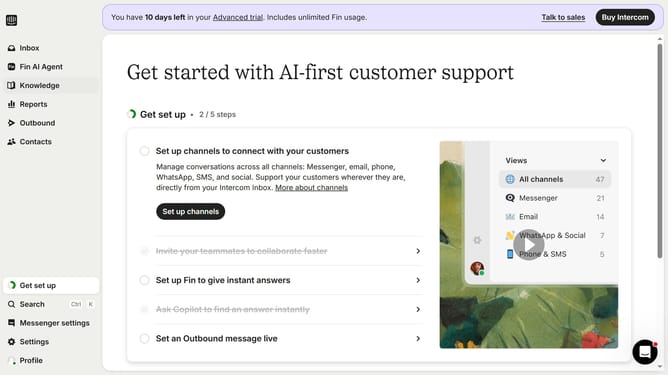
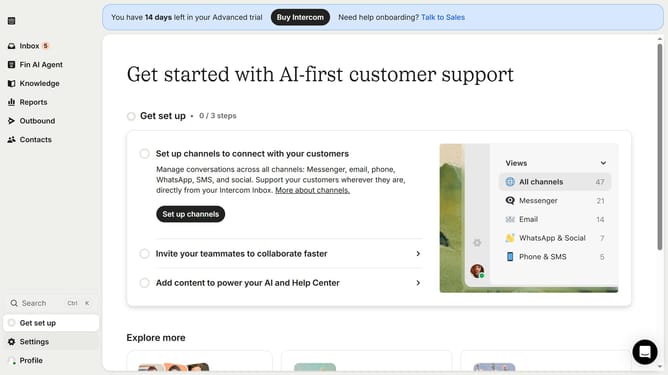
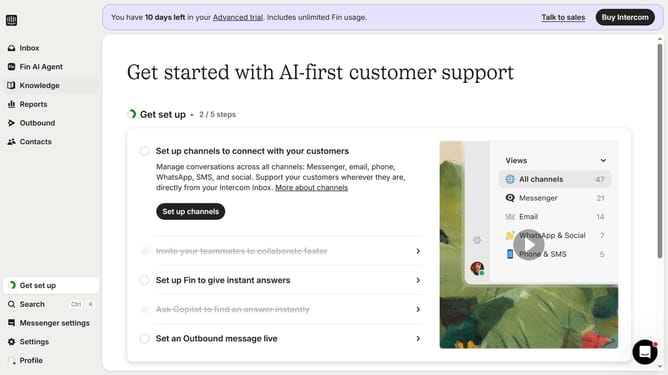
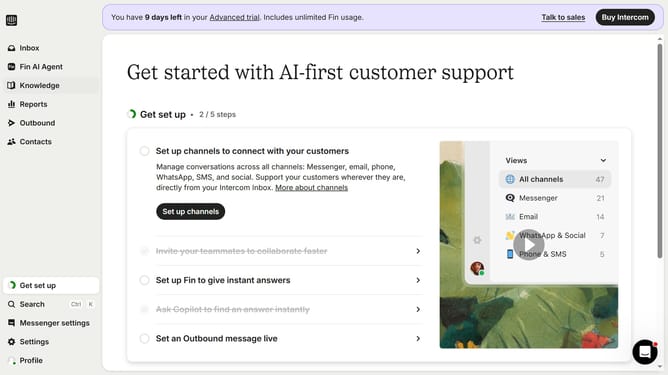
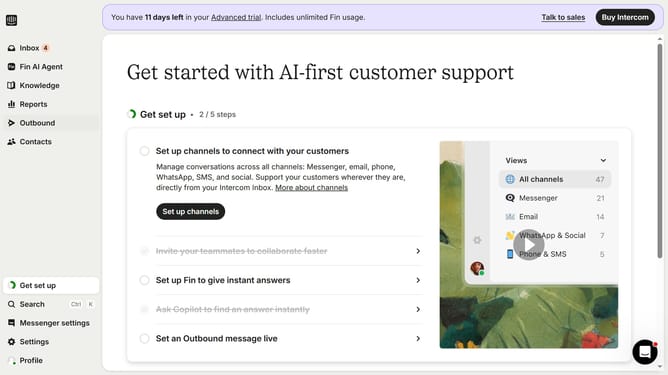
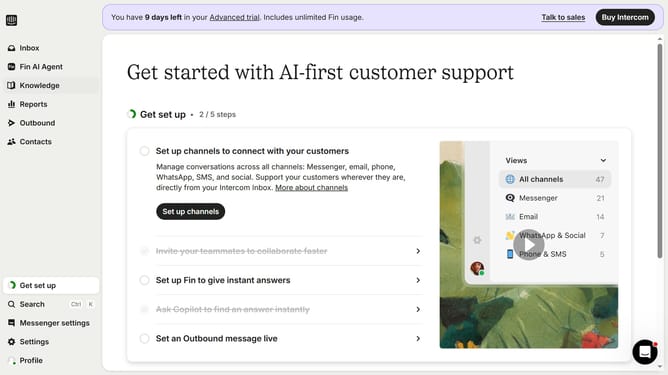
- First, click on "Inbox" in the left sidebar
- Then, click on the view name that you want to manage in the left sidebar
- Finally, click on the "Pin" button in the pop-up menu to unpin the view
Why should you unpin custom inbox views on Intercom
Intercom serves as a versatile platform to enhance customer communication and engagement.
The ability to unpin custom inbox views on Intercom helps in efficiently managing your workspace by decluttering your interface.
This feature provides flexibility, allowing you to focus on the most critical tasks without unnecessary distractions.
Overall, it optimizes your workflow, enhancing both productivity and user experience by offering a cleaner, more organized interface.
Last update