How to add tag on internal articles on Intercom
Here is how to add tag on internal articles on intercom
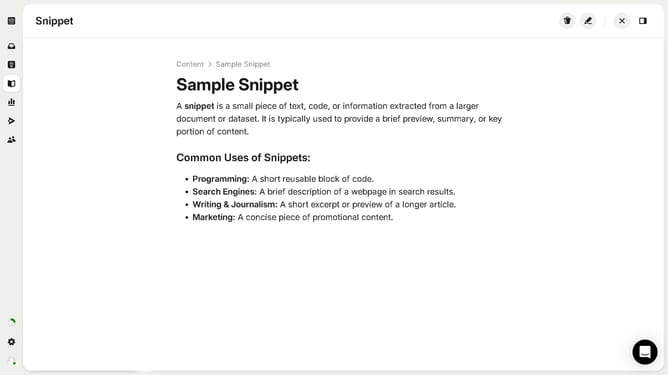
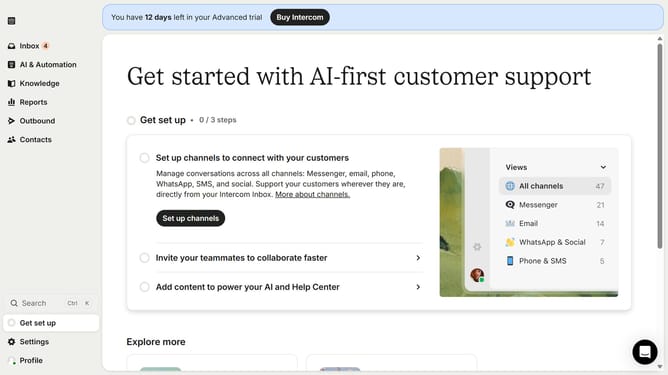
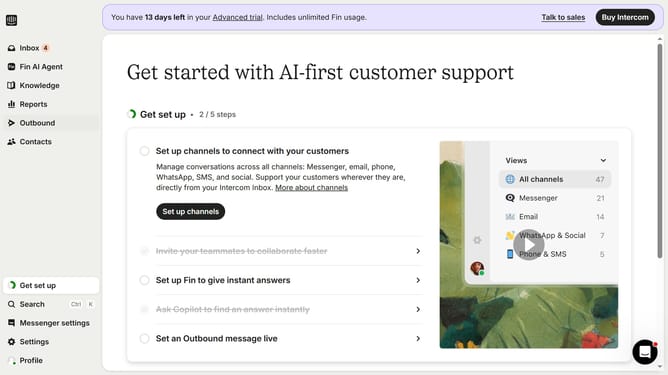
- First click on "Knowledge" in the left sidebar
- Then click on the "Articles" option in the left sidebar
- Then click on the article that you want to open
- Next, click on the add button (+) to create a new tag in the left sidebar
- Then select from the available tag pop-up
- Finally, click on the close button to dismiss the tag pop-up
Why should you add tag on internal articles on Intercom
Intercom is a dynamic communication platform designed to enhance your interaction with customers effortlessly.
Adding tags to internal articles on Intercom is a valuable feature that streamlines content organization and retrieval.
Using tags ensures that information is categorized logically, making it easier for teams to access and utilize relevant content quickly.
This tagging feature not only boosts efficiency but also enhances collaboration by ensuring that everyone is on the same page, leading to more cohesive and responsive customer service.
Last update