How to select multiple contacts in Intercom
Here is how to select multiple contacts in intercom
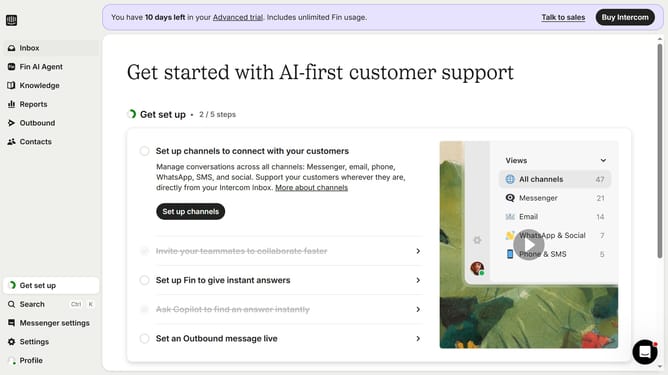
- First click on the "Contacts" item in the left sidebar menu
- Next click on the checkbox of the contact in the users list to select
- After that click on the checkboxes of the other contacts in the users list
Why should you select multiple contacts in Intercom
Intercom is an interactive platform designed to enhance customer relationship management.
The ability to select multiple contacts in Intercom empowers users to efficiently manage and group conversations, optimizing communication processes.
By selecting multiple contacts, you can streamline tasks such as sending batch messages or updates, saving both time and effort in outreach strategies.
This feature promotes productivity by allowing team members to focus on personalized and timely interactions, fostering stronger customer relationships.
Last update