How to reopen closed conversations on Intercom
Here is how to reopen closed conversations on intercom
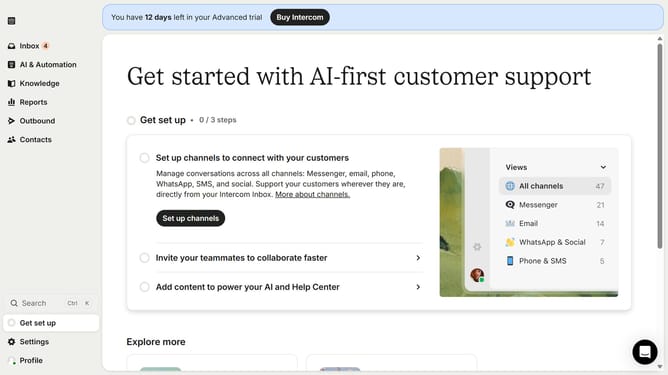
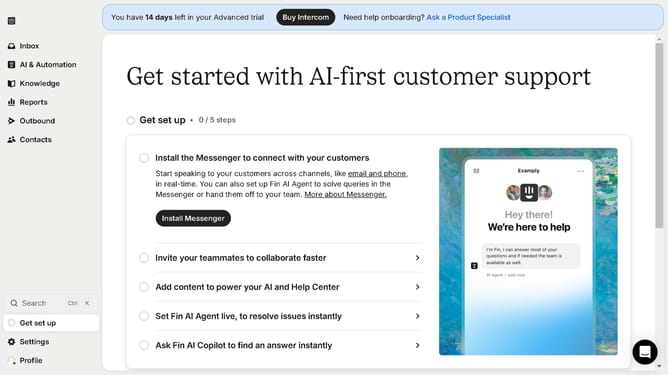
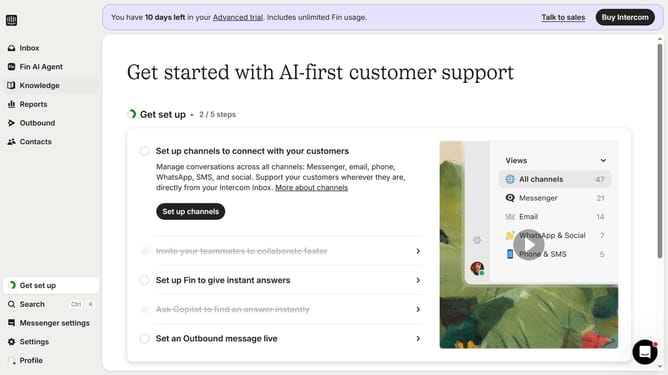
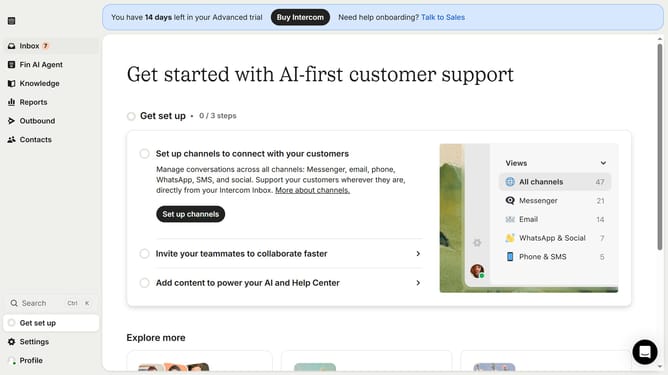
- First click on the "Inbox" tab in the sidebar
- Then click on the "Search" input field
- Next, click on the "Status" filter
- Then select "Closed" from the dropdown menu
- After that, click on the message that you want to restore
- Finally, click on the "Re-open" button
Why should you reopen closed conversations on Intercom
Intercom is a versatile communication platform designed to enhance customer engagement.
The ability to reopen closed conversations on Intercom is a powerful feature that ensures no interaction is left unresolved. By revisiting conversations, businesses can address any lingering questions or further nurture customer relationships.
This feature provides companies with the opportunity to improve communication efficacy and customer satisfaction. Using the reopen conversation feature not only enhances service quality but also fosters lasting relationships with consumers.
Last update