How to add a user in Intercom
Here is how to add a user in intercom
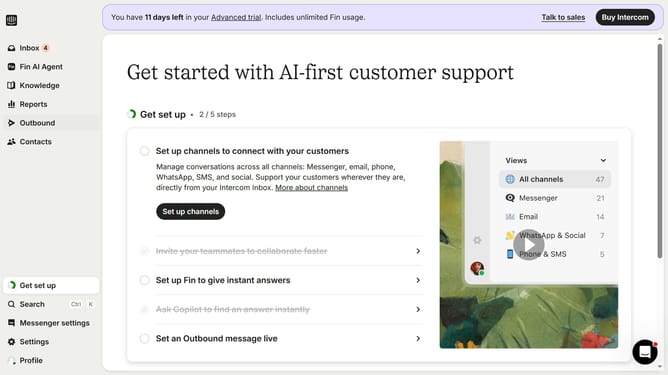
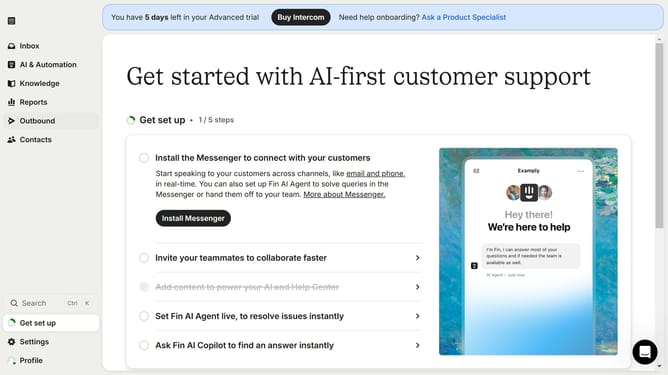
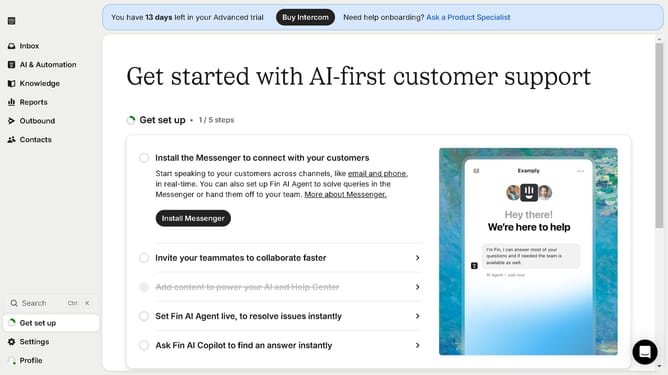
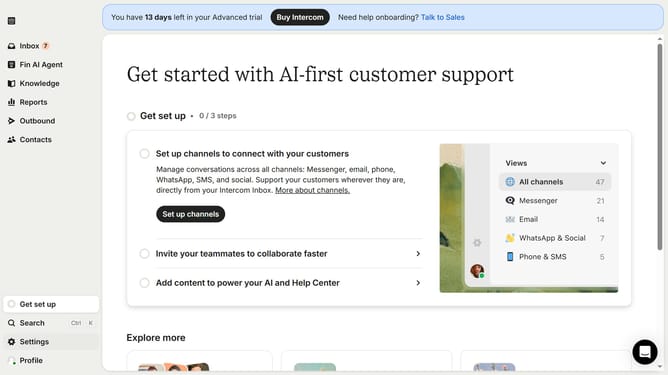
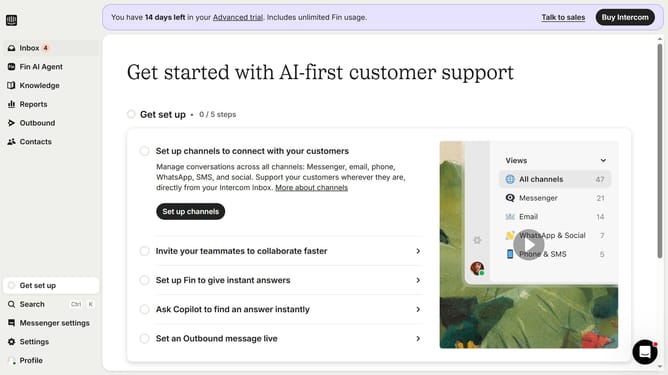
- First click on the "Contacts" item in the left sidebar menu
- Then click on the "New users or leads" dropdown button in the top right corner
- Next click on "Create new user" option from the dropdown menu
- Enter the required details in the open field of the Create new user dialog
- Finally click on the "Create a user" button at the bottom of the dialog
Why should you add a user in Intercom
Intercom is a powerful communication platform designed to enhance customer interactions and streamline support.
Adding a user in Intercom is a straightforward feature that centralizes customer data and improves team collaboration.
This functionality enables businesses to track customer interactions effectively, delivering personalized experiences that drive customer satisfaction.
By integrating new users seamlessly, teams can maintain an organized and efficient workflow, ensuring that all customer queries are addressed promptly.
Last update