How to disable cross-user conversation merging in Intercom
Here is how to disable cross-user conversation merging in intercom
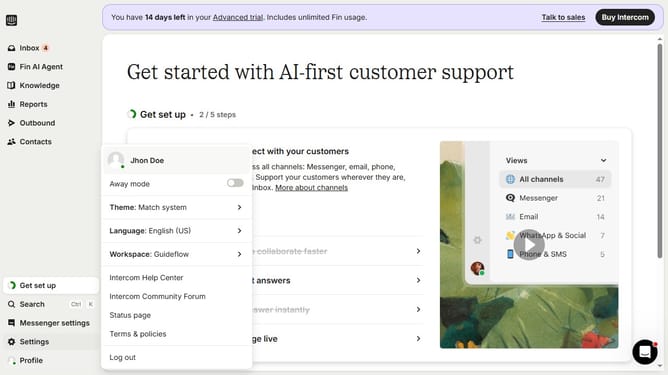
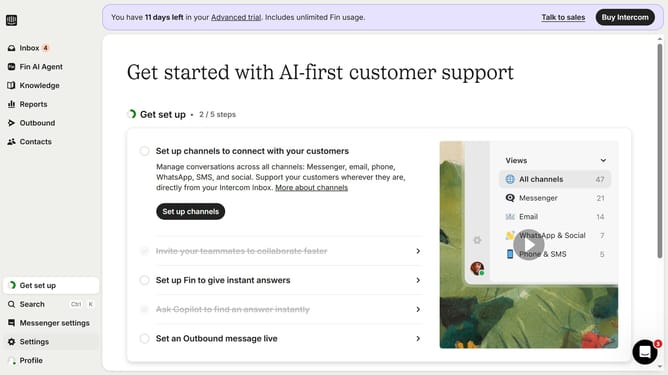
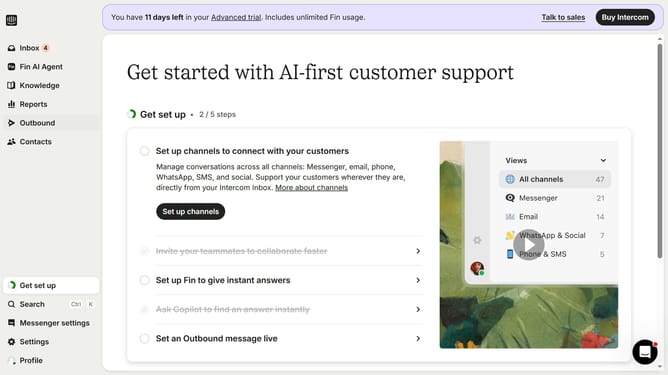
- First click on "Settings" in the left sidebar menu
- Then click on "Workspace" option in the settings menu
- Next click on "Security" item in the workspace submenu
- Then click on "Data Security Settings" option in the security section
- Next click the "Enable cross-user conversation merging" checkbox to disable it
- Finally click the "Save" button to apply the changes
Why should you disable cross-user conversation merging in Intercom
Intercom is a versatile communication platform designed to enhance customer engagement and support experiences.
One essential feature within Intercom is the ability to disable cross-user conversation merging, which prevents interactions from different users from being combined into a single thread.
Utilizing this feature ensures cleaner, more accurate communication records, which leads to better customer support and streamlined issue resolution.
In essence, this promotes clarity and allows your team to deliver personalized service without the confusion of mixed conversations.
Last update