How to edit custom attributes description on Intercom
Here is how to edit custom attributes description on intercom
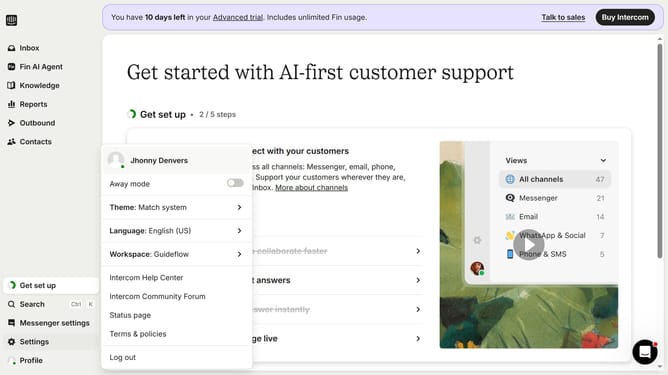
- First click on "Settings" option in the left sidebar
- Then click on "Data" in the left sidebar
- Next click on "People" in the left sidebar
- Then scroll the page to the right
- Next click on the edit icon
- Then type the description in the "Description" field
- Finally click on the "Save" button
Why should you edit custom attributes description on Intercom
Intercom is a powerful platform designed to enhance customer communication and engagement seamlessly.
Editing custom attributes description on Intercom allows you to tailor the information that best represents your users' data. This feature enables businesses to keep their user attributes relevant and up-to-date, ensuring seamless alignment with company goals and user needs.
By utilizing this feature, businesses can enjoy the flexibility of dynamic data management, which in turn supports more efficient targeting and personalized communication strategies. Enhanced data clarity leads to improved customer interactions and business outcomes.
Last update